Permission Access Guide
To assign permissions for another user to access the VPN Site-to-Site service within the same project, please follow the steps below:
Step 1: Log in using your admin account on the FCI console at https://console.fptcloud.com/
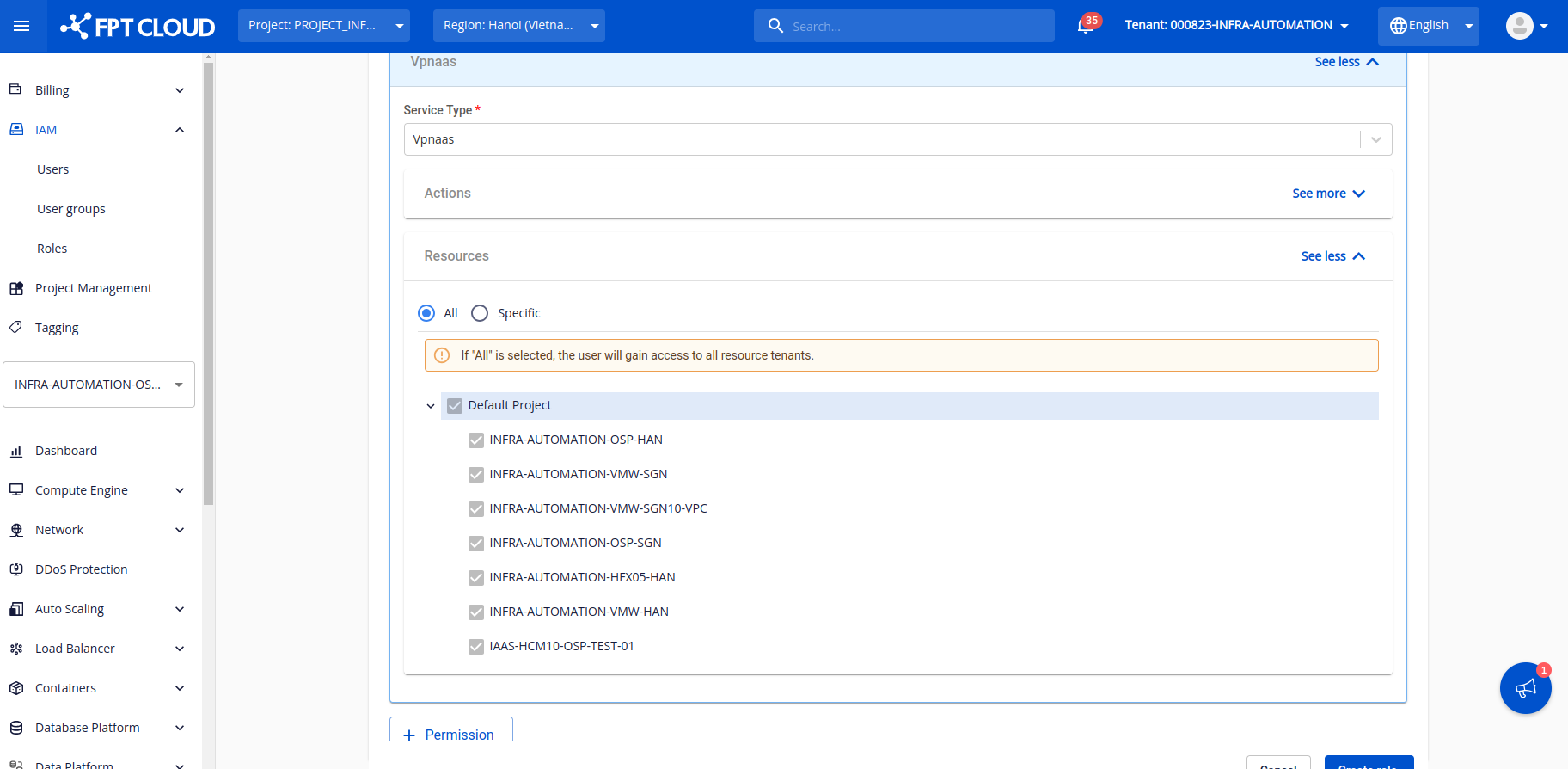
Step 2: Navigate to IAM → Roles 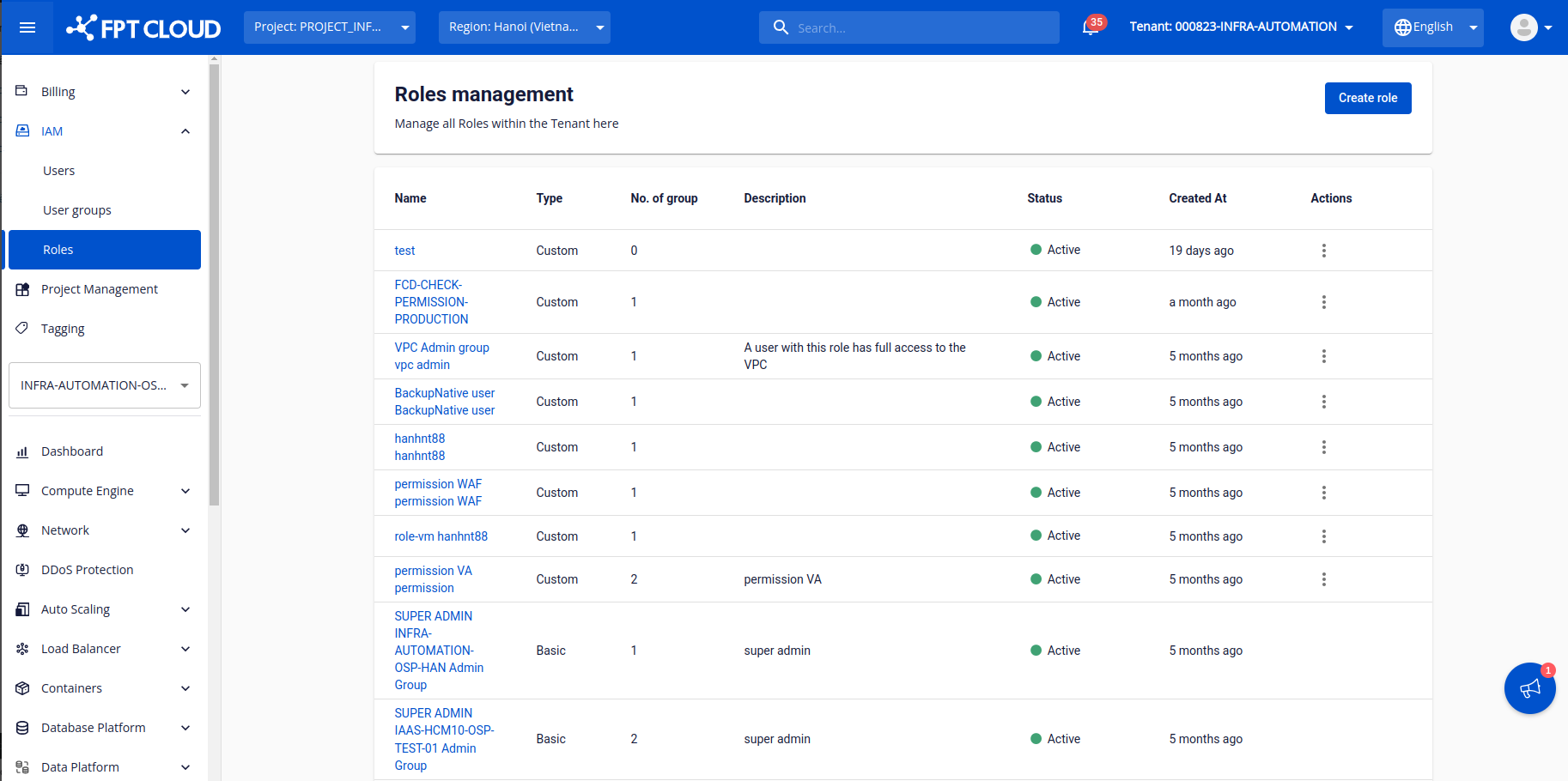 Step 3: Click to create a new role, select the VPN service, and assign the appropriate permissions for the service.
 Step 4: Add another permission and select the Network service with the “Network:List” permission.
Note: For network ranges that use bare-metal servers, you need to add the HPC:ListSubnet permission.
Step 4: Add another permission and select the Network service with the “Network:List” permission.
Note: For network ranges that use bare-metal servers, you need to add the HPC:ListSubnet permission. 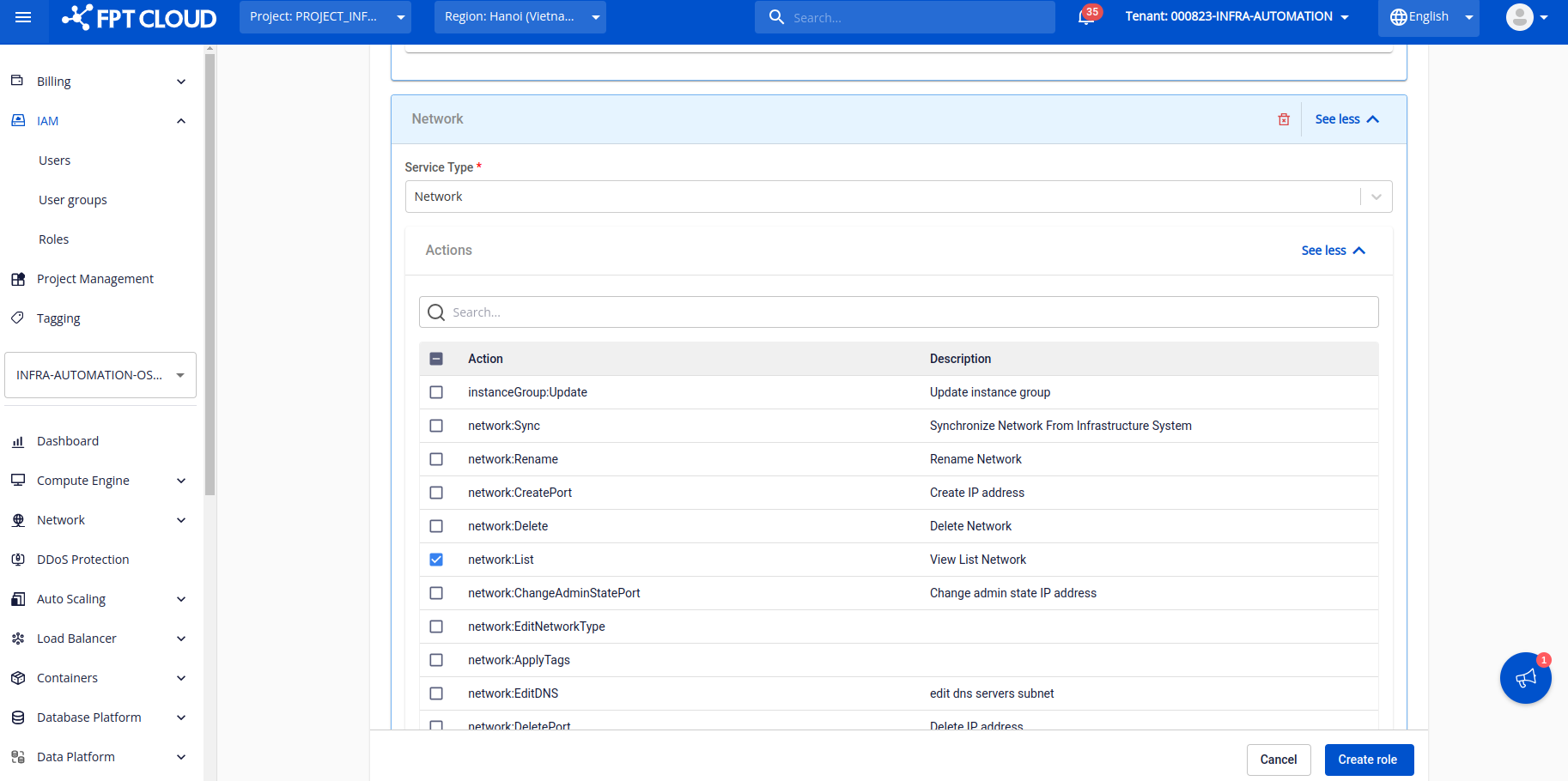 After completing all information, click “Create role” to create the role.
Step 5: Create a user group and assign the “VPN_user” role created in the previous step.
After completing all information, click “Create role” to create the role.
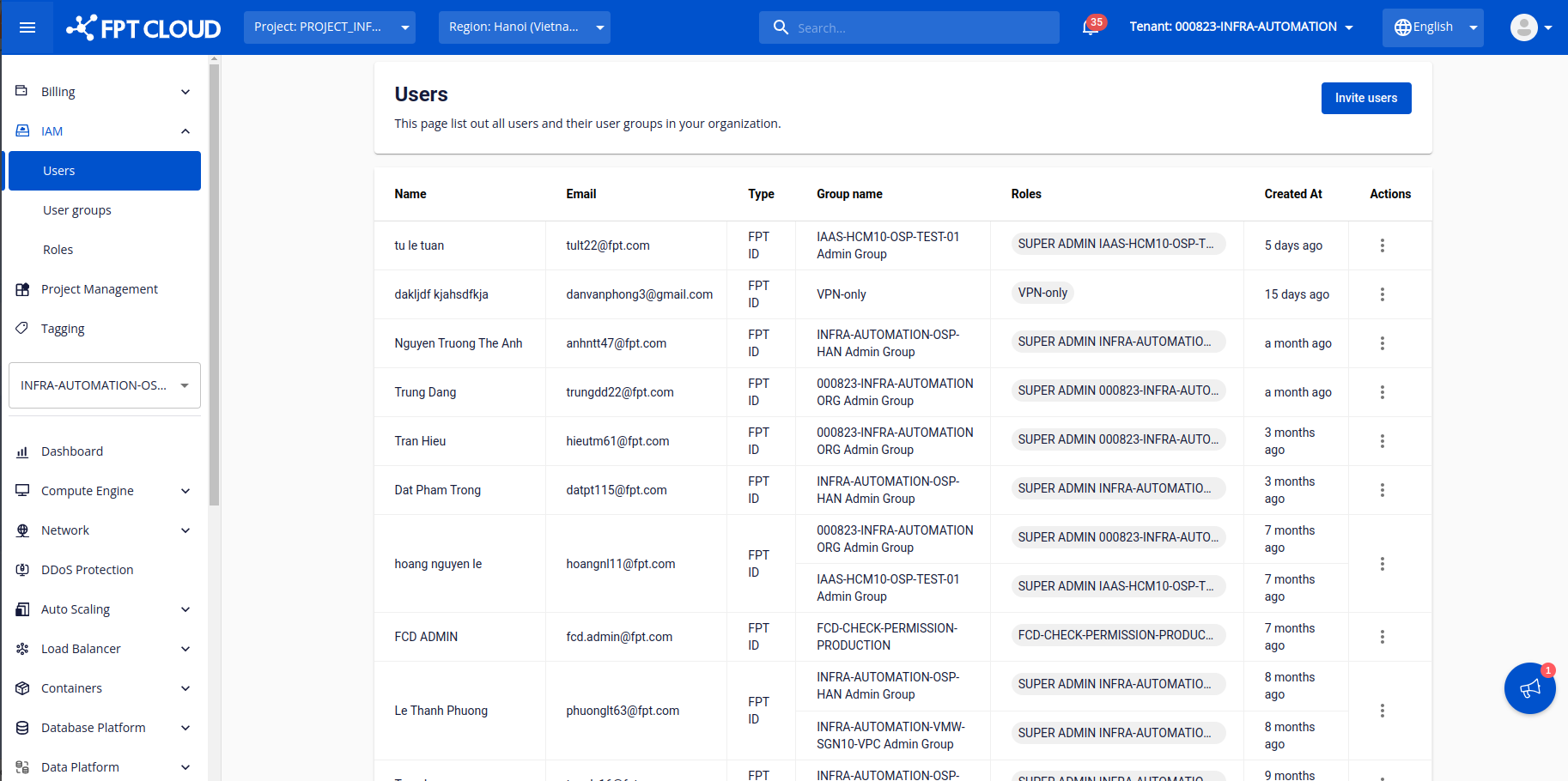
Step 5: Create a user group and assign the “VPN_user” role created in the previous step. 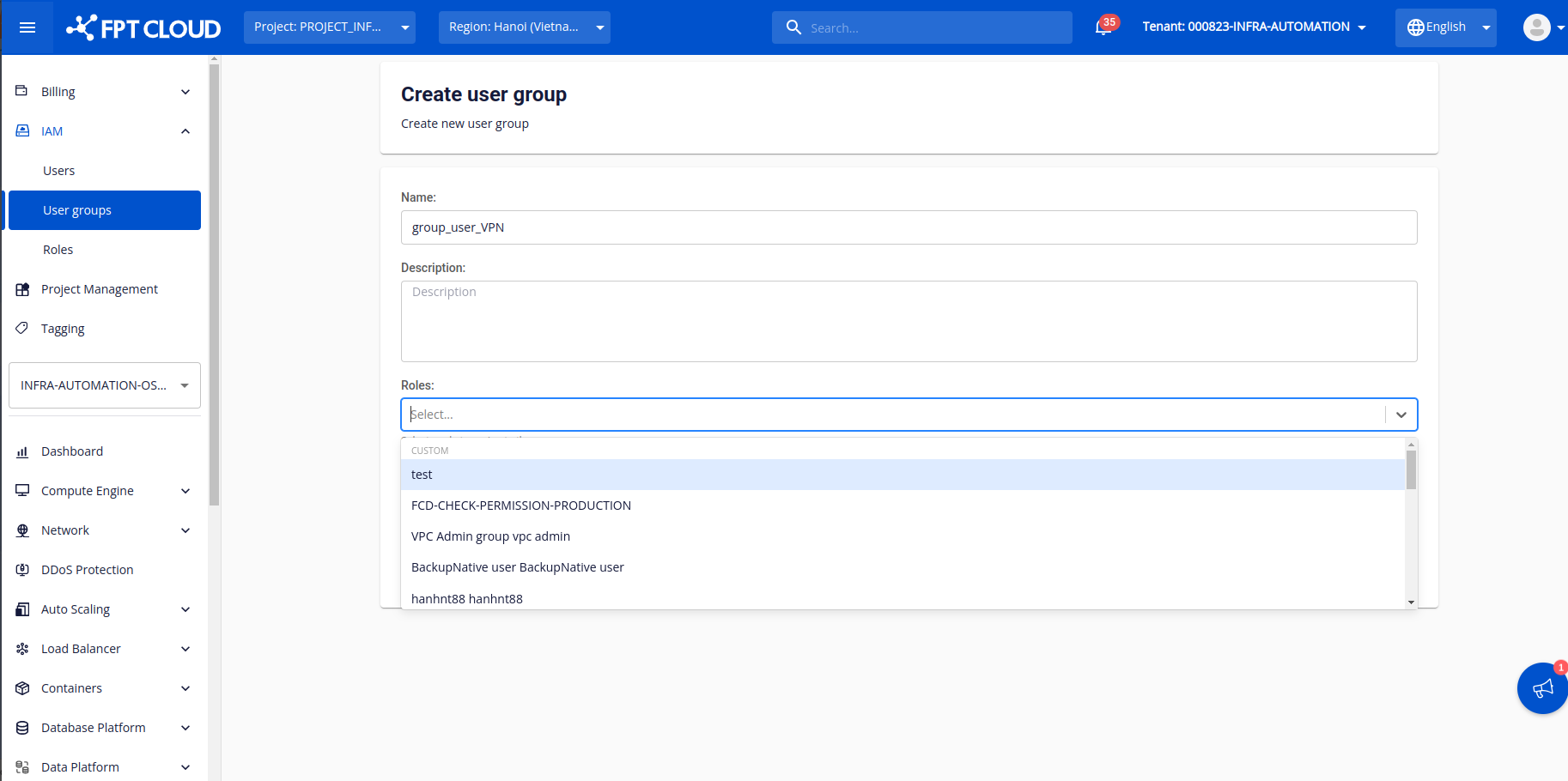 Step 6: Go to the User tab and click “Invite user”.
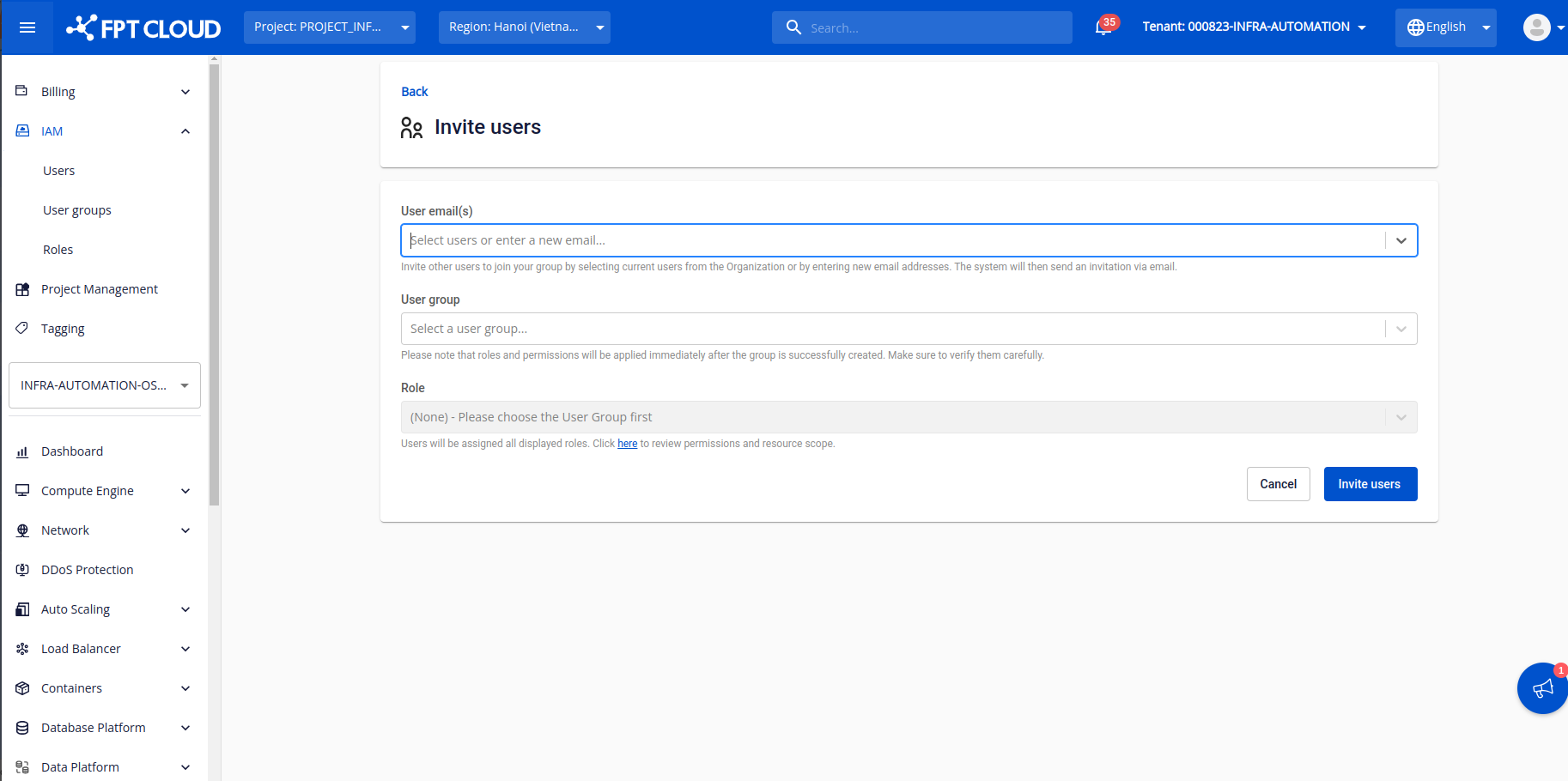
  Step 7: Enter the user you want to grant VPN access to, and select the corresponding user group and roles.
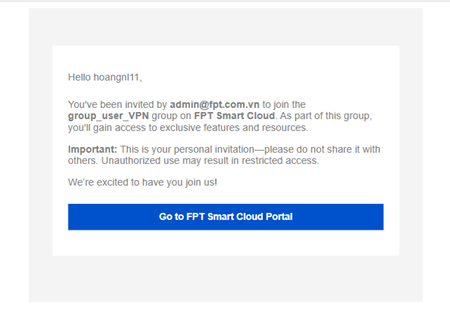
  Step 8: Check the email of the invited account and access the service to start using it.