Add Worker Group
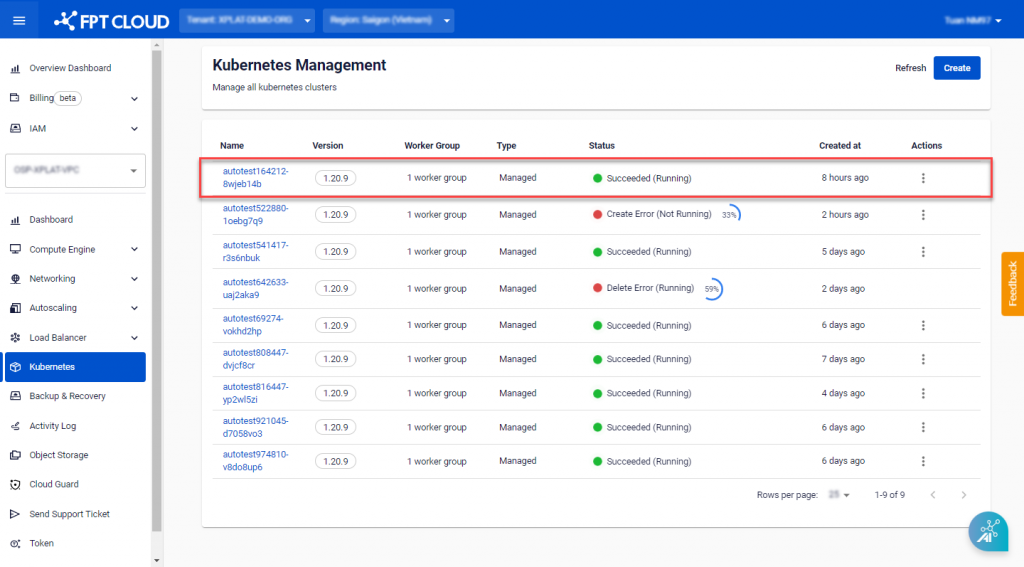
Step 1 : In the menu, select Kubernetes , and the system will display the Kubernetes Management page. Choose a Cluster that you want to add a Worker Group.
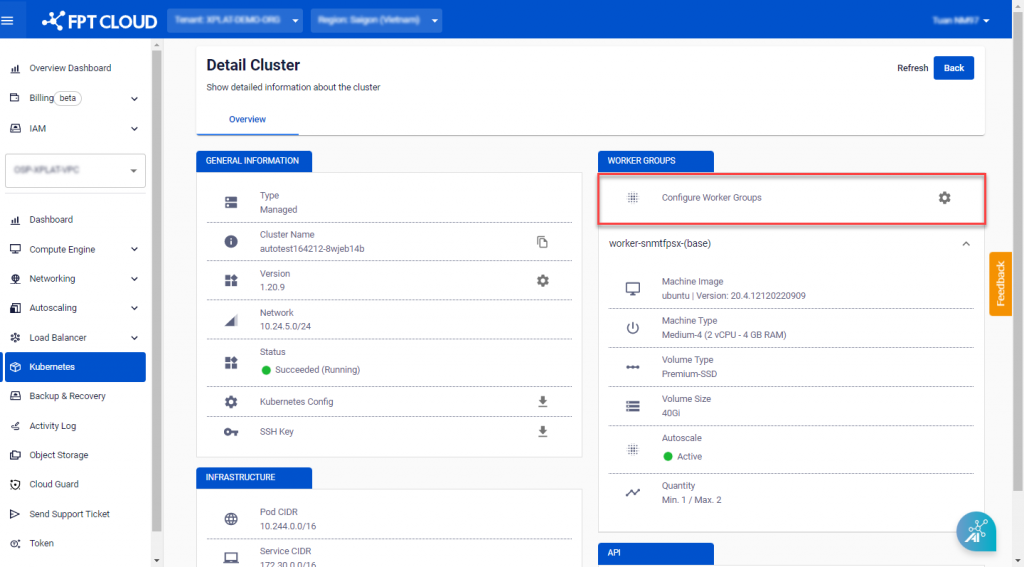
 Step 2 : Click Configure Worker Groups.
 Step 3 : Click ADD WORKER GROUP.
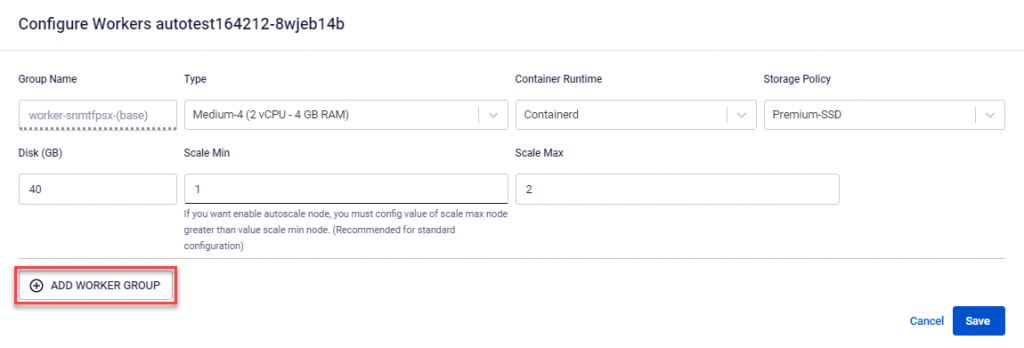 Step 4 : Enter the required information in the fields.
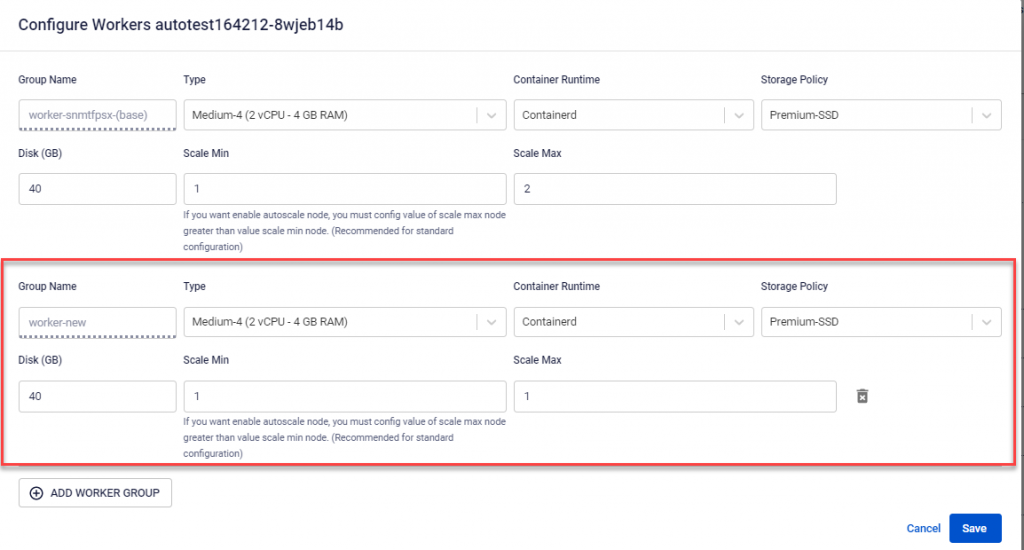
- Type : Choose the configuration (CPU & Memory) for the Worker Node.
- Container Runtime : Containerd.
- Storage Policy : Choose the Storage Policy type (corresponding to IOPS) for the Worker Node Disk.
- Disk (GB) : Select the root disk capacity for the Worker Node.
- Scale Min : The minimum number of VM instances for the Worker Node in the K8s cluster. It is recommended to have at least 03 Nodes for a production environment.
- Scale Max : The maximum number of VM instances for a worker group in the K8s cluster.
Step 5 : Verify the information and click Save to start scaling the worker node.
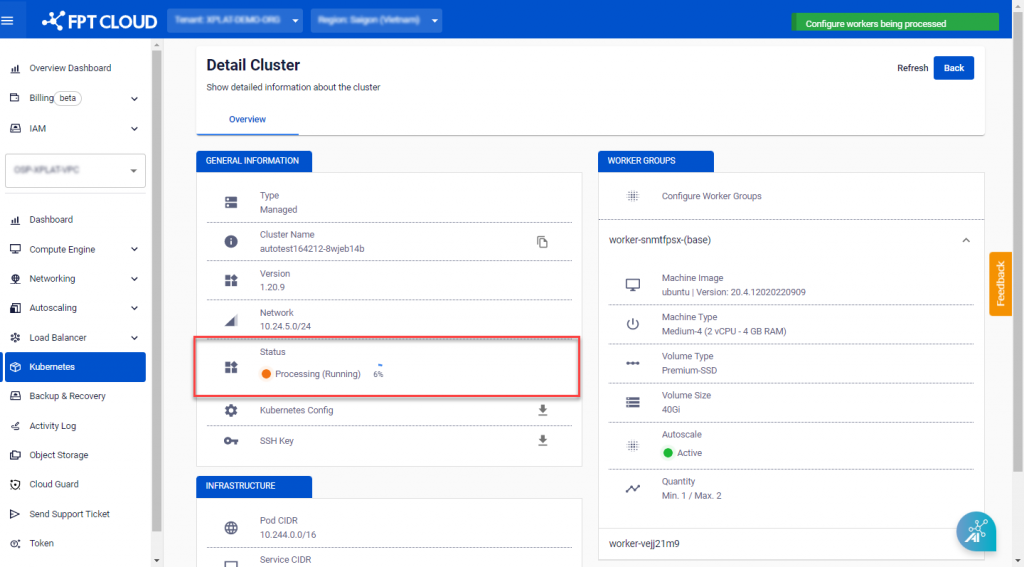 The Cluster scaling process will take a few minutes, and the Cluster status will change to Processing. The Cluster will continue to operate normally after adding a new Worker Group.