Sign Up For An Account
1. Access the Sign in / Sign up page
- Navigate to FPT AI Factory in your web browser (https://ai.fptcloud.com/)
- On the top-right corner of the homepage, click Sign in/Sign up.
- A login dialog box will appear in the center of the screen.
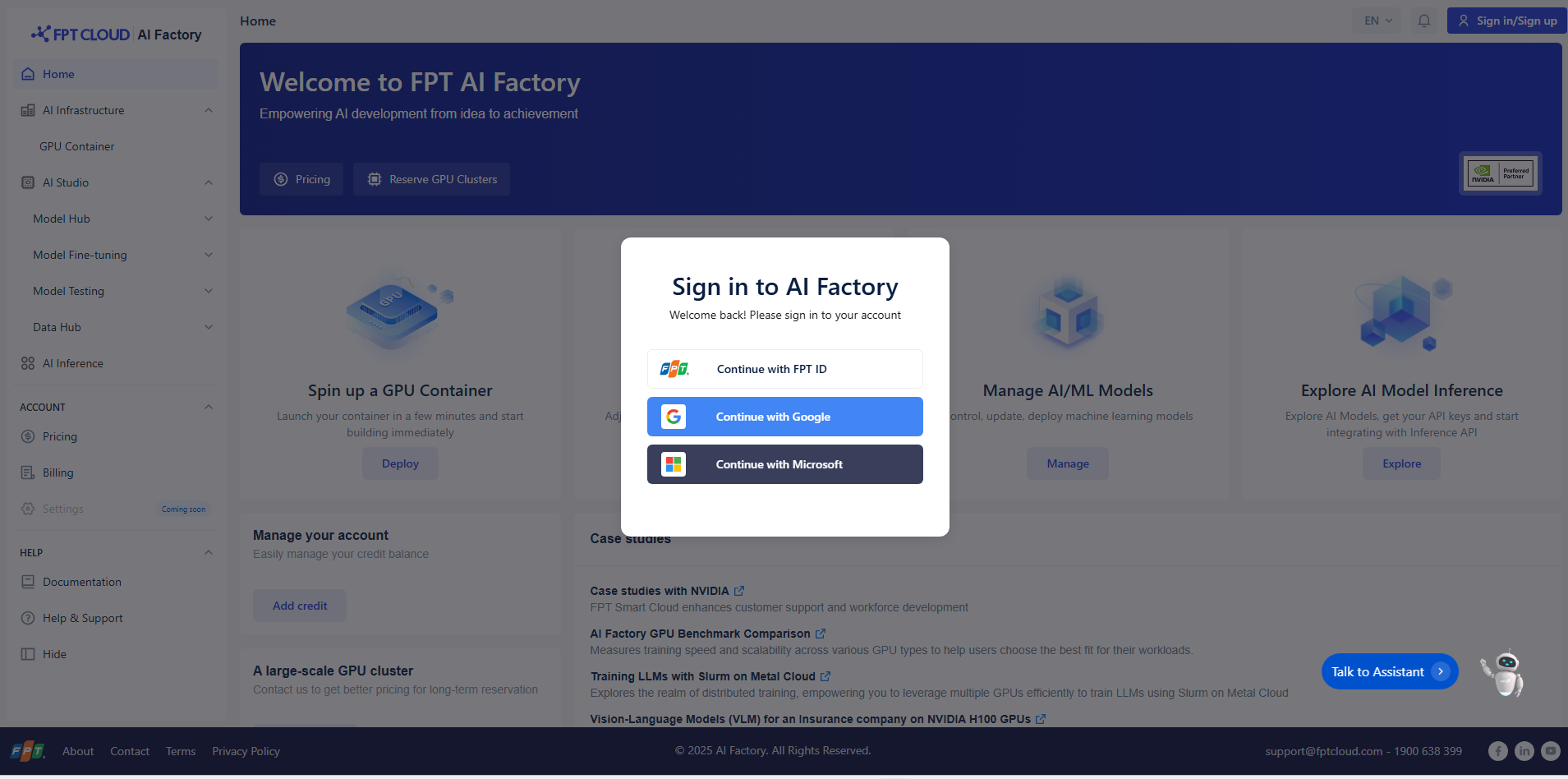
2. Sign in Options
You can sign in using one of the following methods:
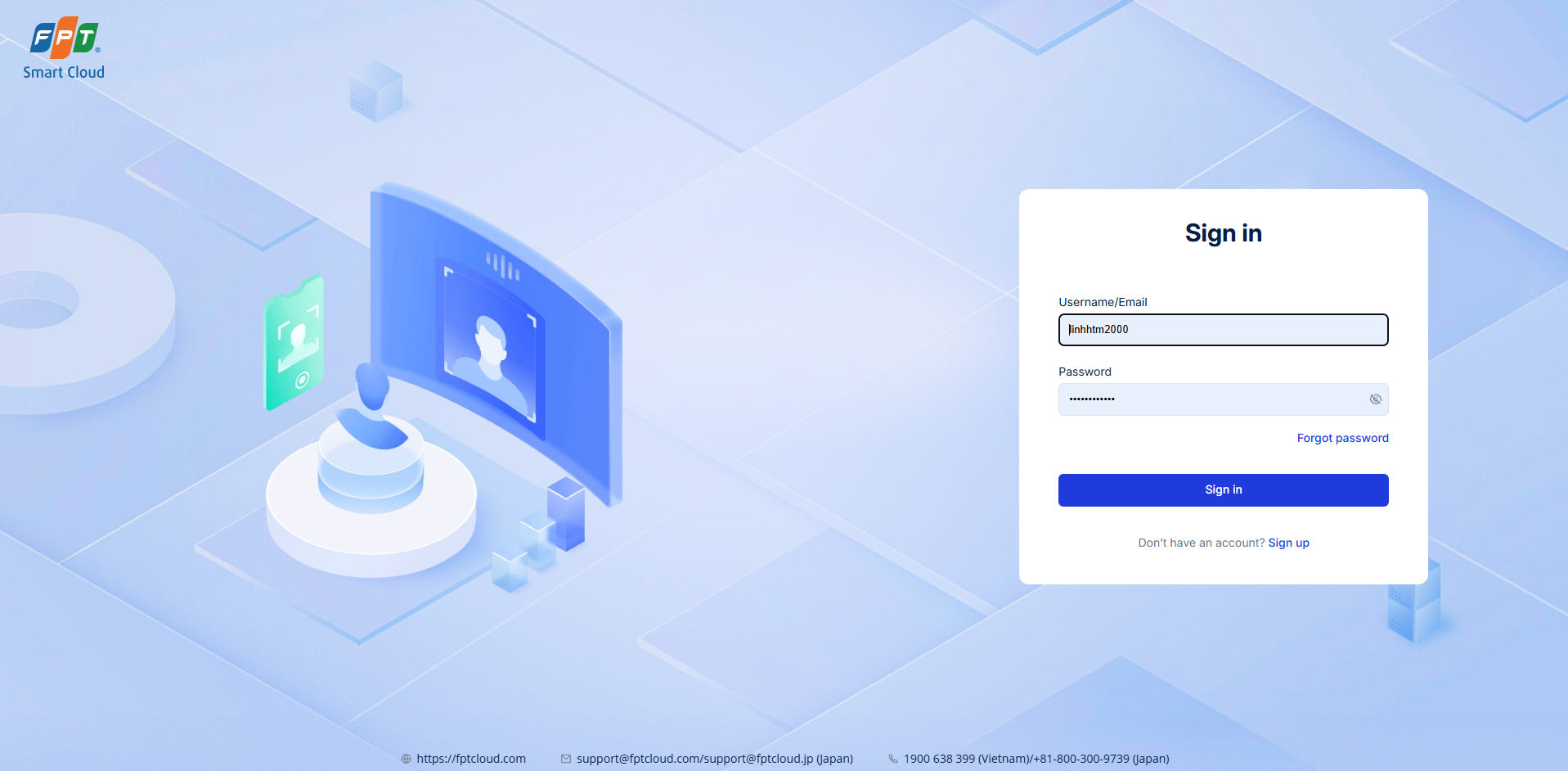
- Continue with FPT ID : Use your existing FPT account credentials to log in.
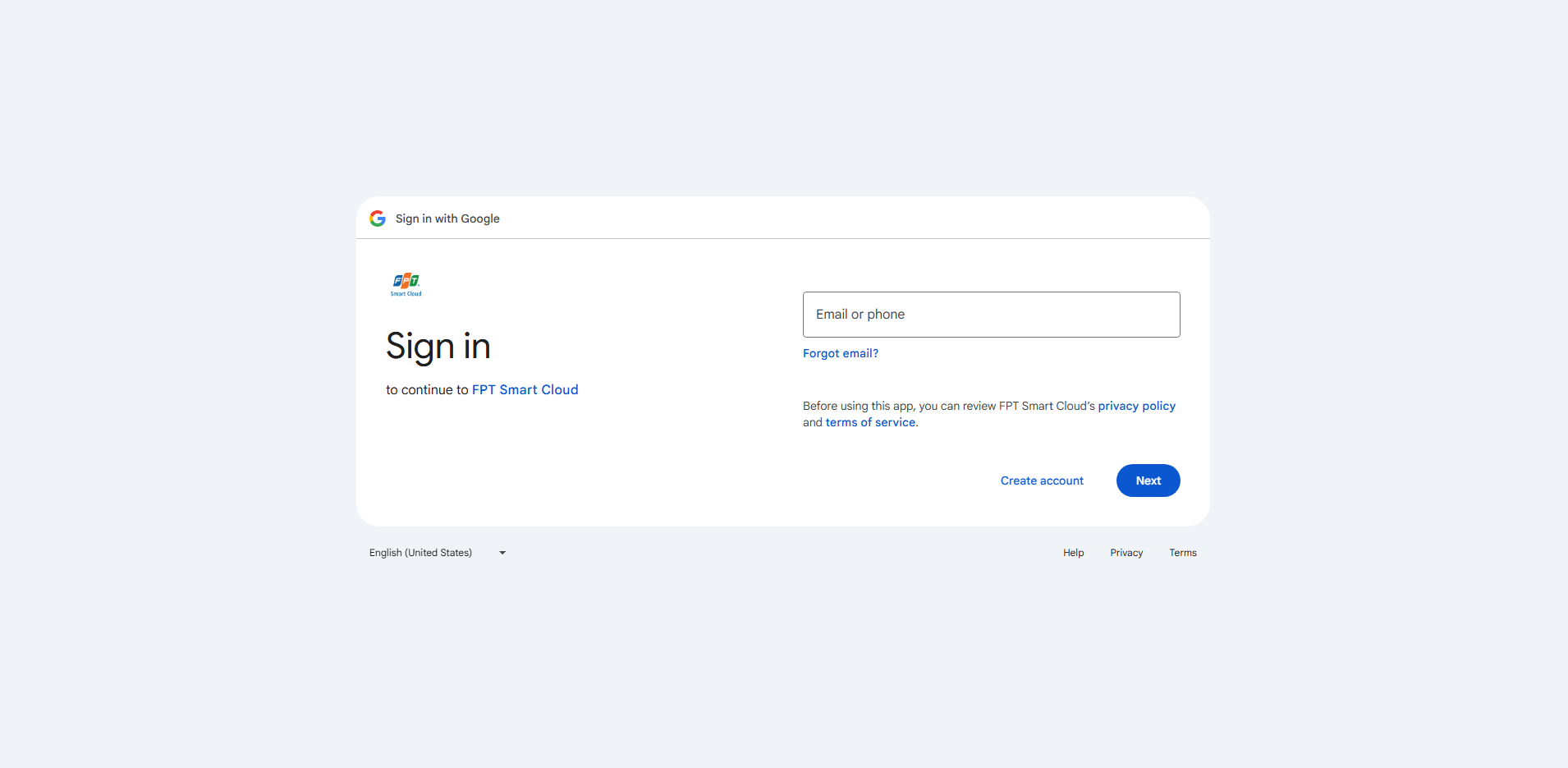
- Continue with Google : Sign in with your Google account by selecting this option and following the Google authentication process.
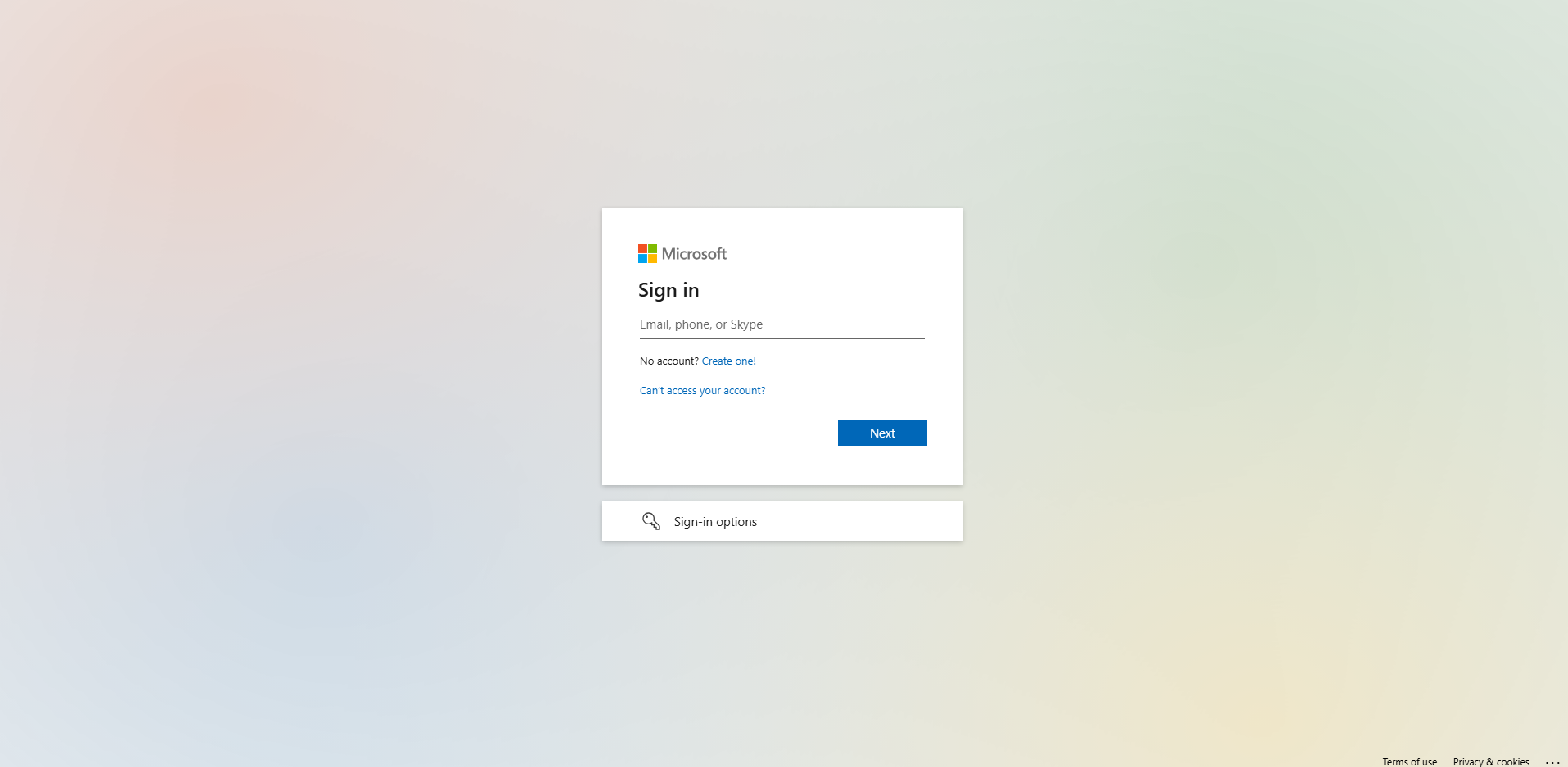
- Continue with Microsoft : Use your Microsoft account to log in securely.
3. Sign up for a New Account
- If you do not have an account, choose one of the available login options (FPT ID, Google, or Microsoft).
- Complete the registration process as instructed.
- Once registered, you can use the same method to sign in next time.
4. Successful Login
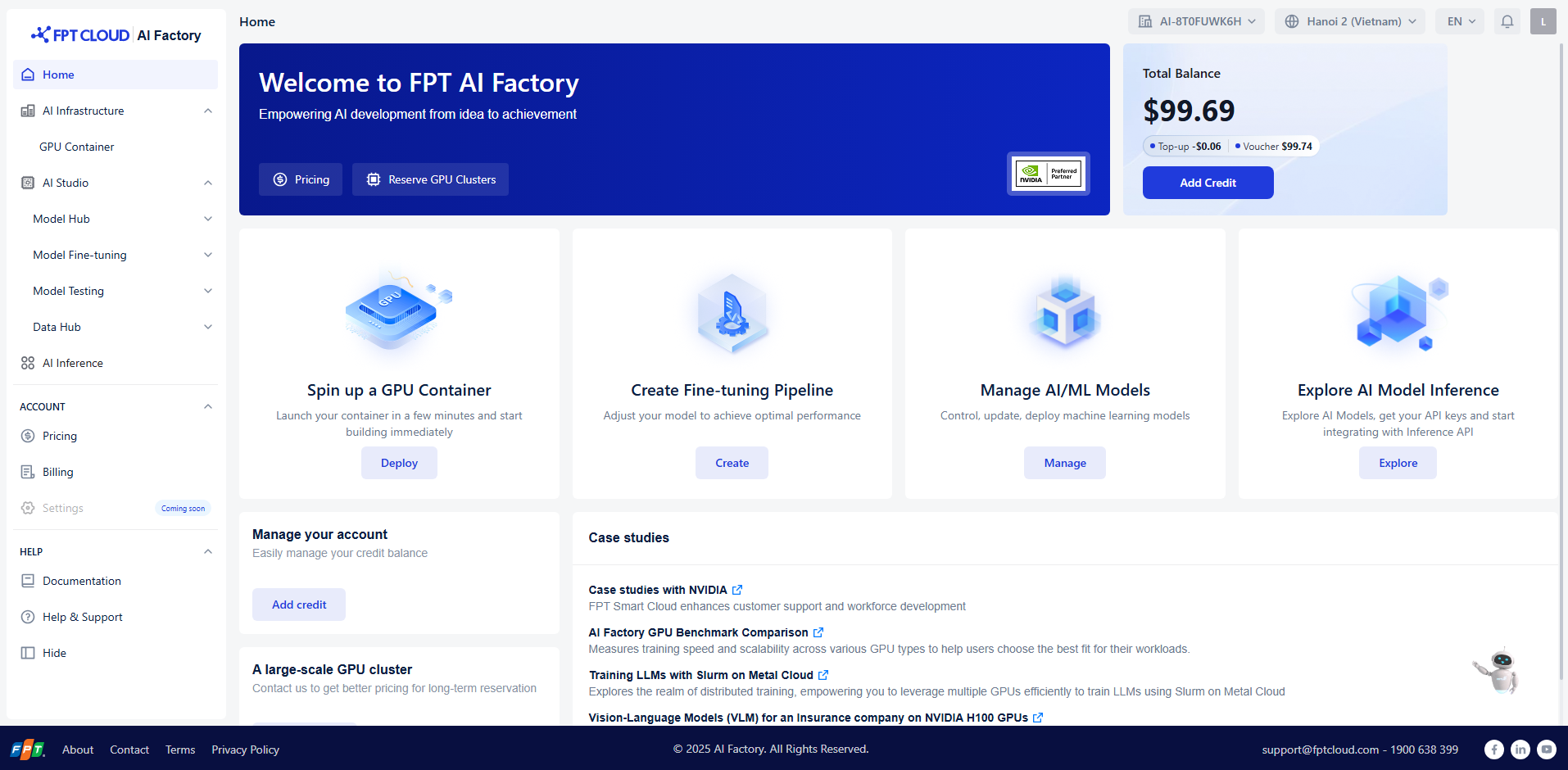
After signing in, you will be redirected to the AI Factory Dashboard , where you can:
- Spin up a GPU container
- Manage AI/ML models
- Explore inference APIs
- Access pricing and billing
5. Troubleshooting
- Ensure that your Google or Microsoft account is active if using external login methods.
- For FPT ID login issues, reset your password through the FPT account recovery page (https://id.fptcloud.com/).
- If you encounter technical problems, click Help & Support in the left menu or contact: 📧 support@fptcloud.com | ☎️ 1900 638 399