Edit Version
Purpose : Allows users to edit an existing version.
To update a version, follow these steps:
Step 1 : Click on a model to view its details > Select the Version tab.
Step 2 : In the version list, click the three dots next to the version you want to edit, and select the Edit option.
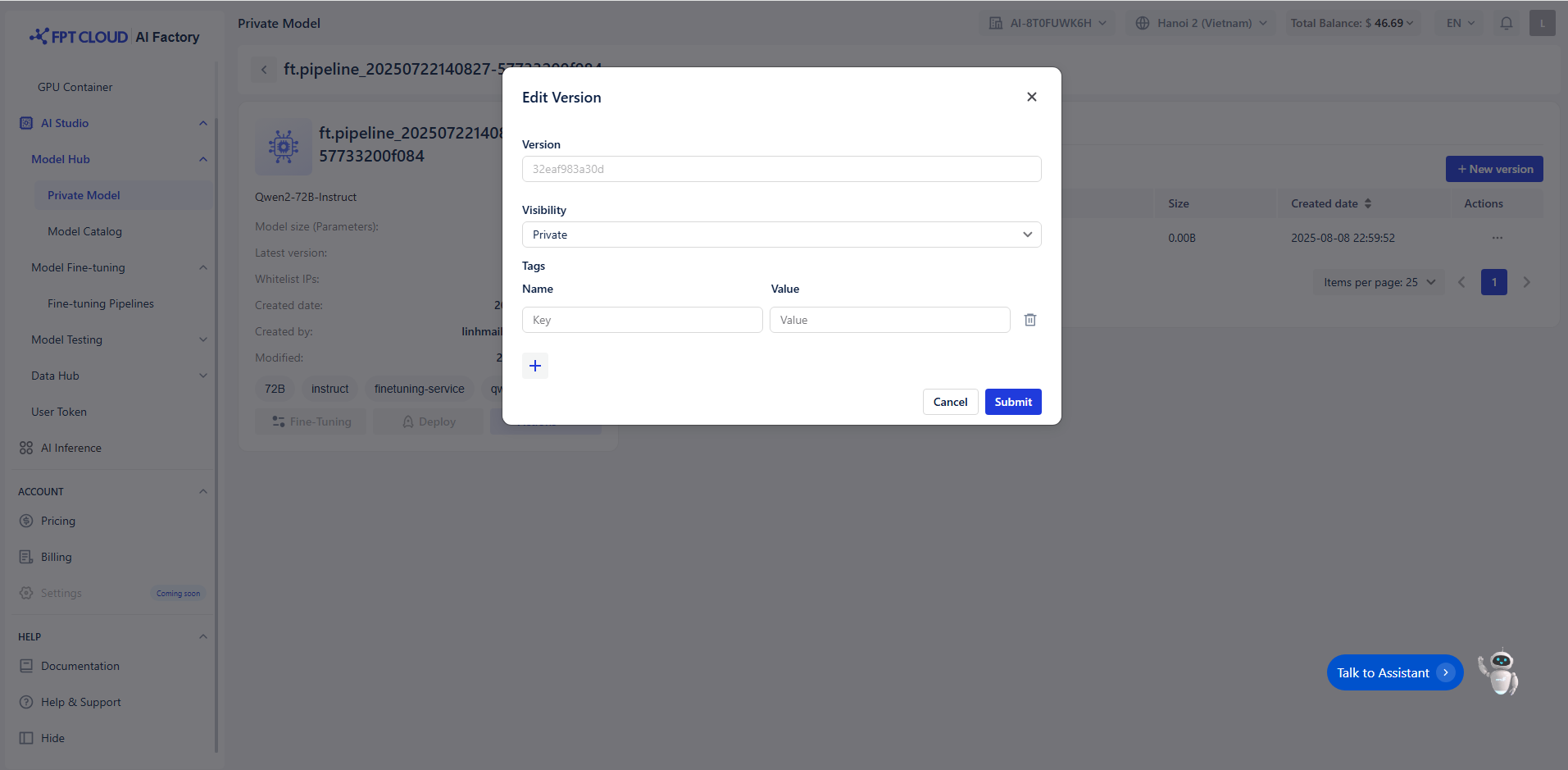 Step 3 : The system will navigate to the Edit version screen, where you can make changes.
- Note : You are only allowed to edit the Version visibility & Tags.
Step 4 : After completing the changes, click the Save button to save the updated version.