Manage Redirection Host
Redirection Hosts is a feature that redirects a website or changes a URL to another website URL, displaying the content of the redirected address.
To configure/add a new Redirection Host follow these steps:
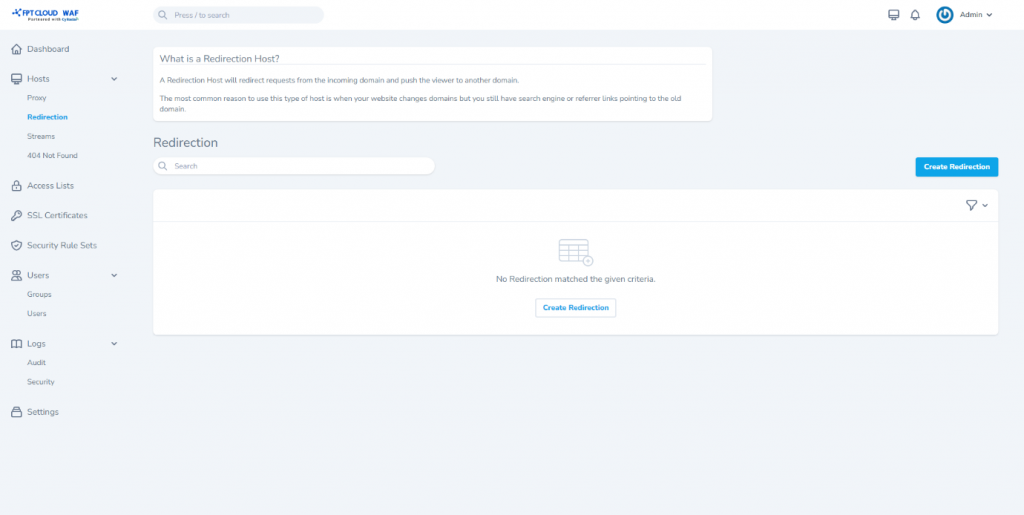
Step 1: Select Hosts > Redirection from the menu to open the Redirection Host management screen. Choose Create Redirection.
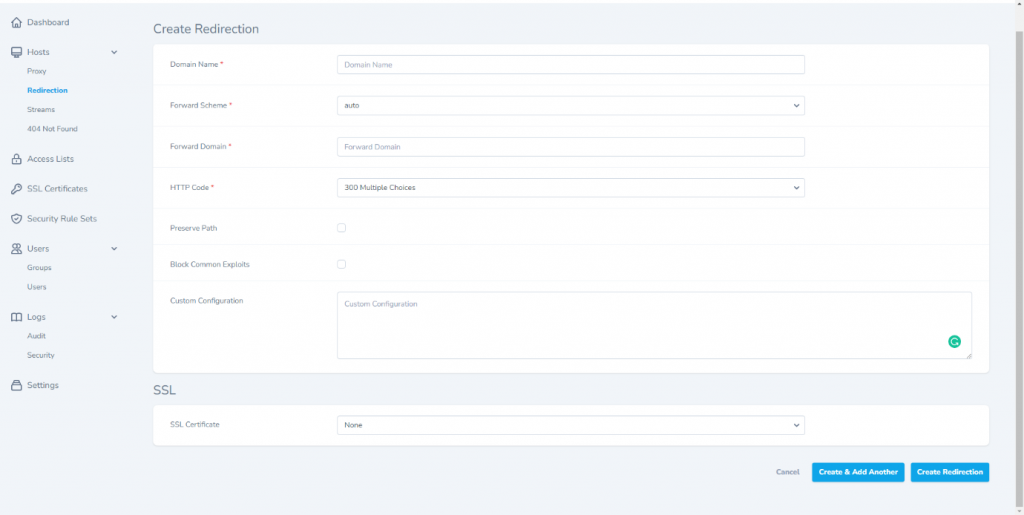
 Step 2: Enter the Redirection Host information as follows:
- Domain Names: Enter the domain/website name to be added. The domain name in the Redirection Host must not match the domain name of any created Proxy Host.
- Forward Scheme: Choose the method for the domain/website (auto/http/https).
- Forward Domain: Enter the domain/website to be redirected.
- HTTP Code: Choose the redirection options for the website.
Some additional features, depending on user needs:
- Preserve Path.
- Block Common Exploits.
- SSL Certificate :
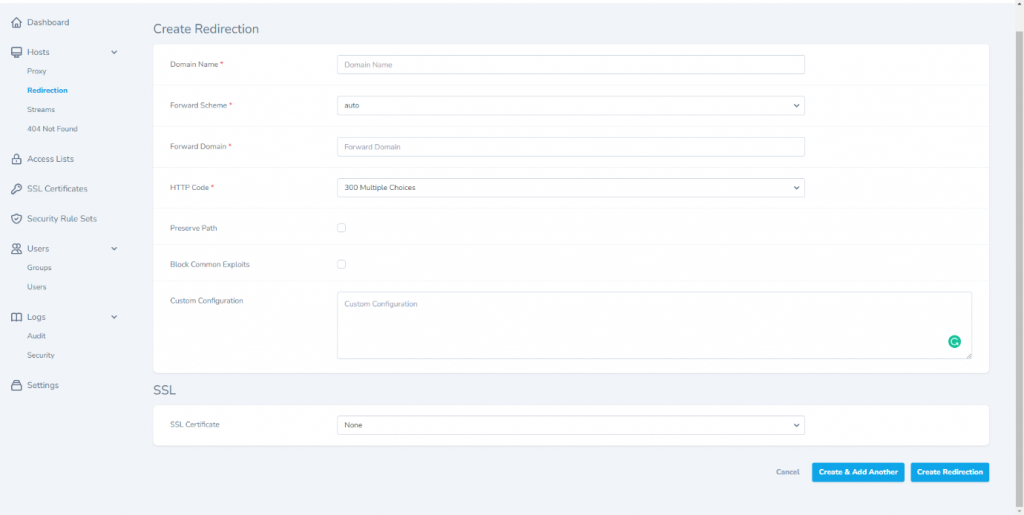
Step 3: Select Save to save. The detailed view of the Redirection Host appears as follows:
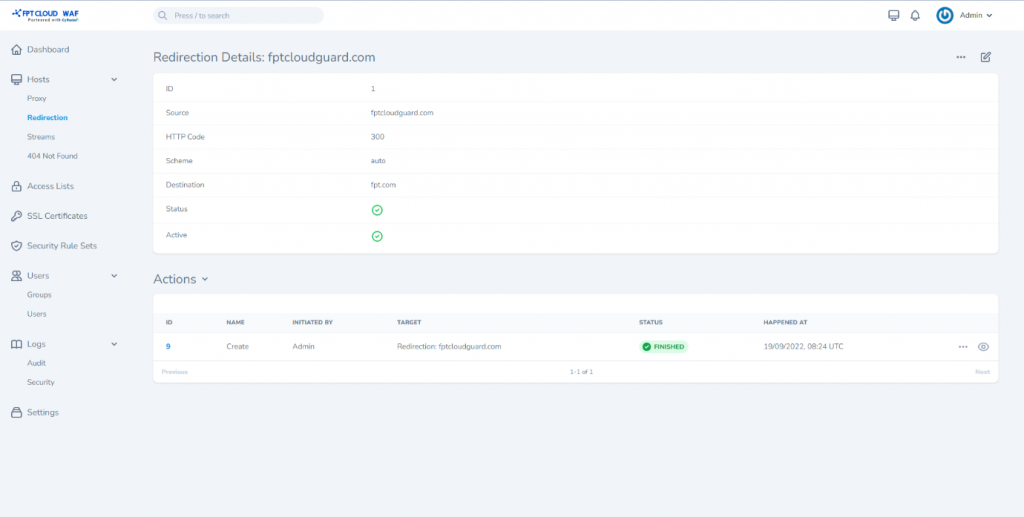 Other functions:
Toggle : Disable/enable the Redirection Host, corresponding to active/inactive status.
Edit : Edit Redirection Host information.
View : View detailed information about the Redirection Host.
Delete : Remove the Redirection Host.
Other functions:
Toggle : Disable/enable the Redirection Host, corresponding to active/inactive status.
Edit : Edit Redirection Host information.
View : View detailed information about the Redirection Host.
Delete : Remove the Redirection Host.