Manage 404 Host
404 Hosts is a feature that redirects 404 error pages to the desired page.
To configure/add a new 404 Hosts, follow these steps:
Step 1: Select Hosts > 404 Not Found in the menu to open the 404 Host management screen.
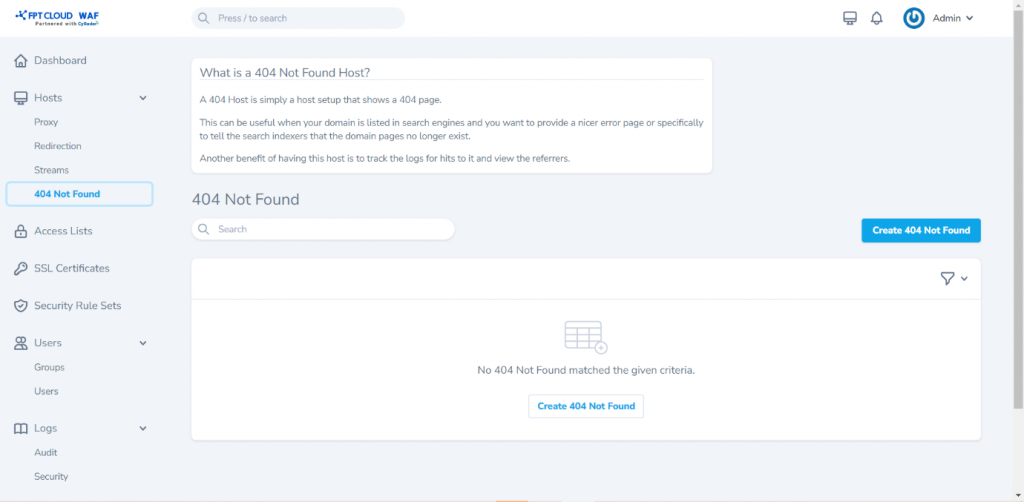 Step 2: Select Create 404 Not Found to open the screen for adding a new 404 Host and enter the information as follows:
- Domain Names: Enter the domain/website name to be redirected for 404 error.
- Custom Configuration
- SSL Certificate: Choose the corresponding SSL Certificate for the domain/website.
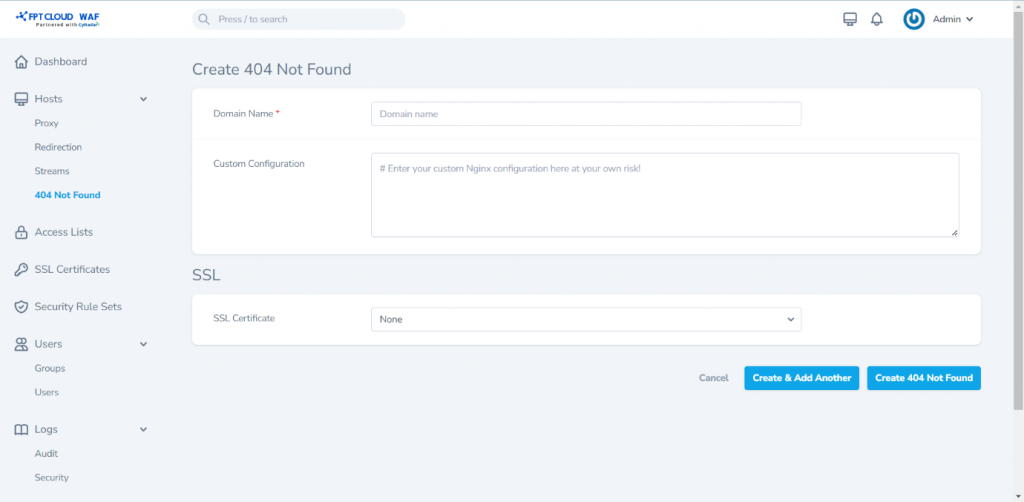
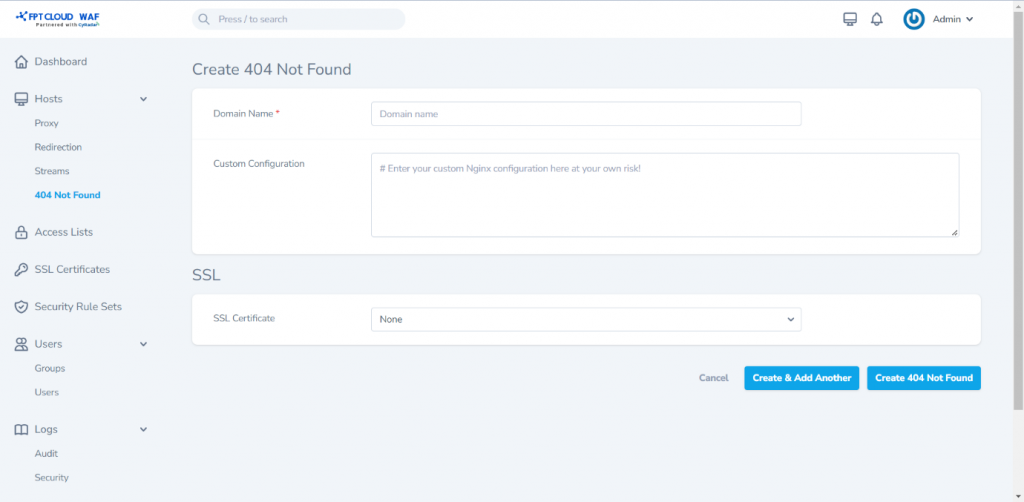
Step 3: Select Create 404 Not Found to save and complete the configuration/adding of a new 404 Hosts.