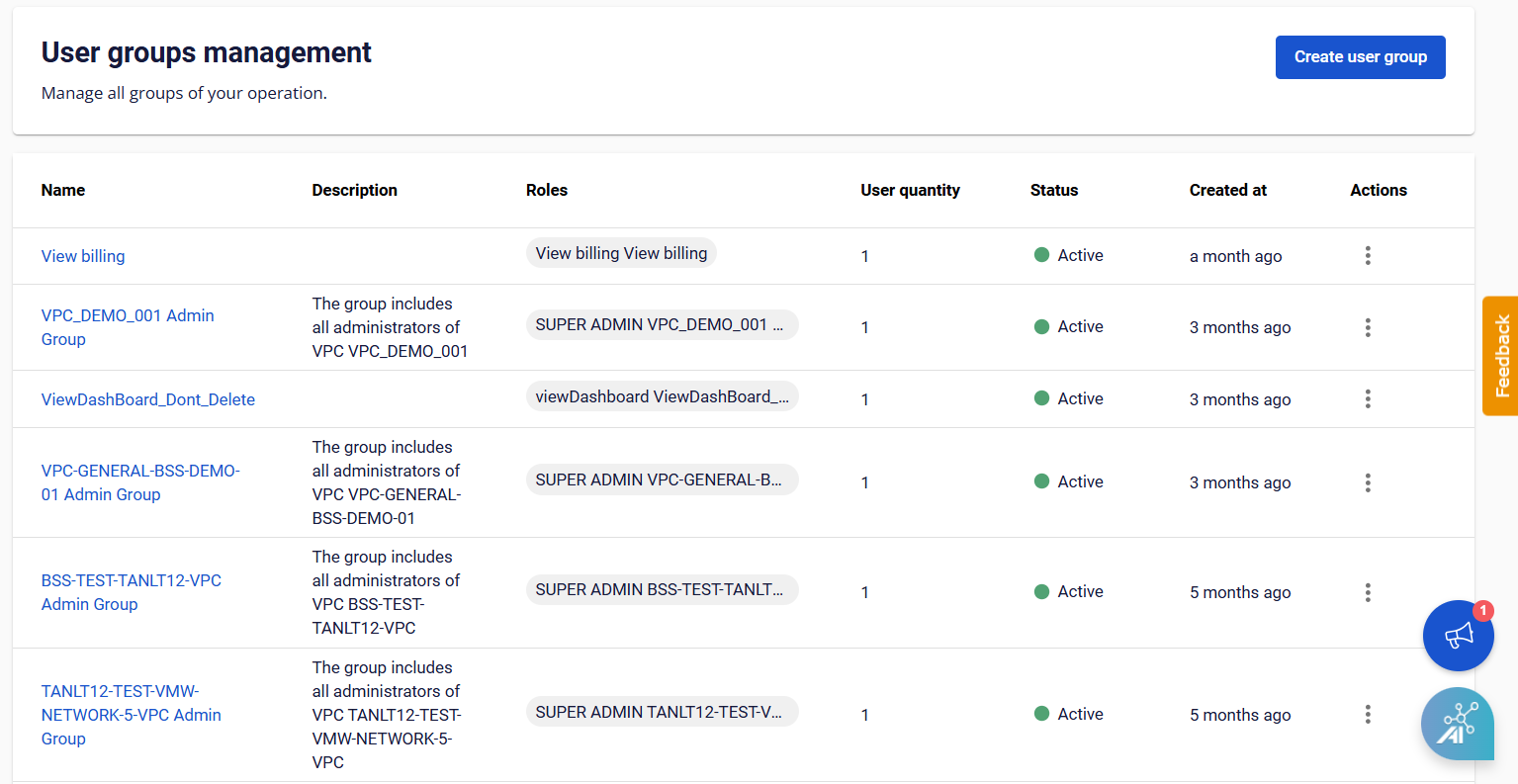
View List User Group
You can view and manage the list of created User Groups on the User Groups Management page. To open User Groups Management , follow these steps:
- On the FPT Portal, under IAM , select User Group.
- The system will display a list of User Groups with important information such as:
- Name
- Description
- Roles
- User Quantity
- Created At
- Actions