Create User Group
Step 1 : From the menu, select IAM > User Groups , then click Create User Group.
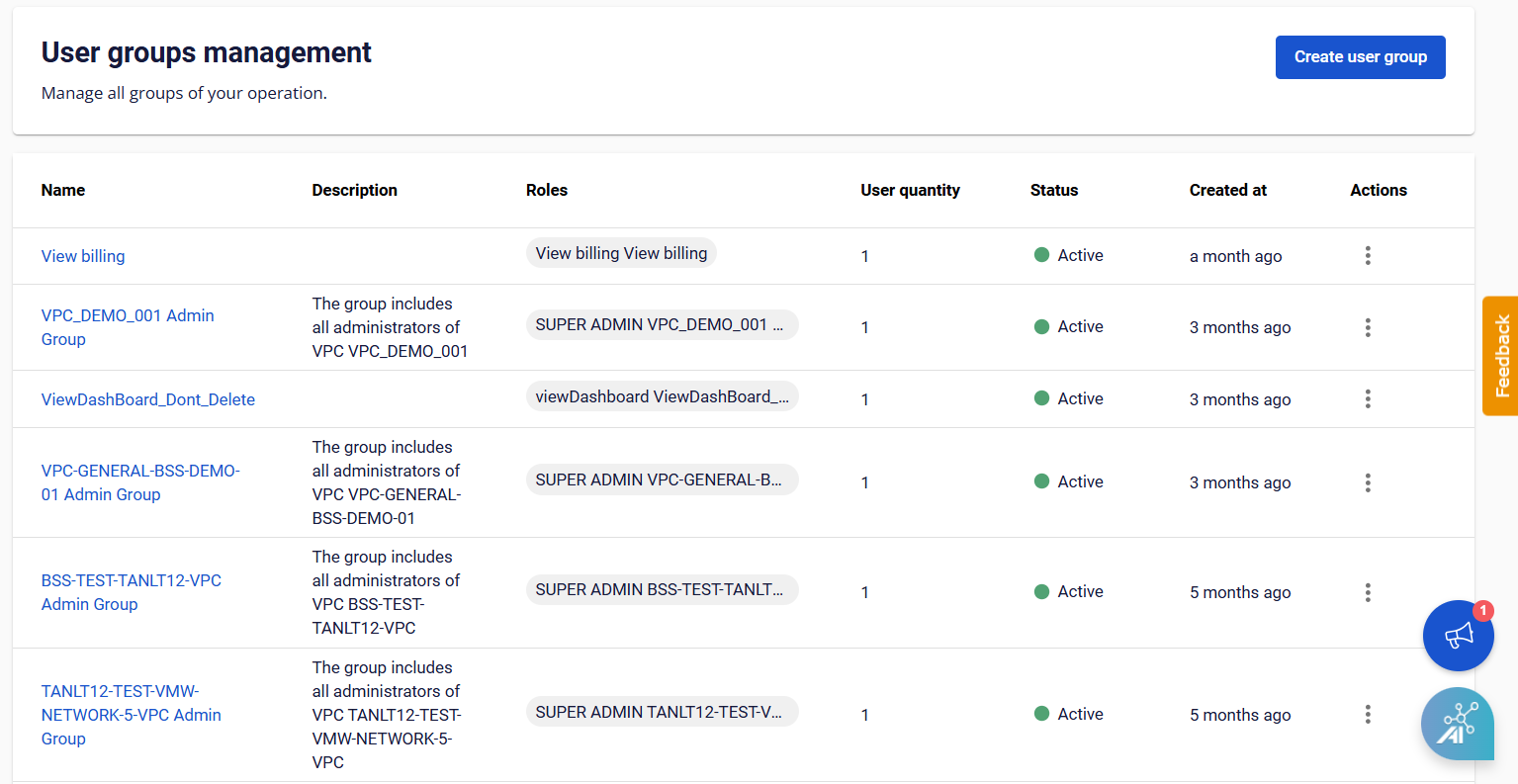 Step 2 : On the Create User Group page, enter the required information:
- Name : The name of the user group.
- Description : A description of the user group.
- Role : You can assign multiple roles to a user group.
- User : You can add existing users from the system to the user group.
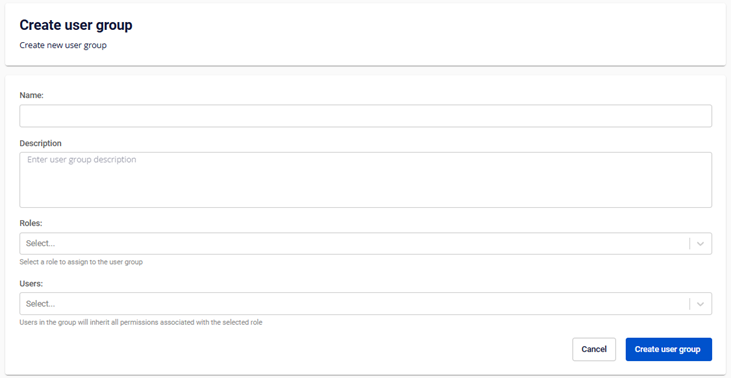 Step 3 : Click Create User Group. The system will process the request and display the result.