Create Ip Access
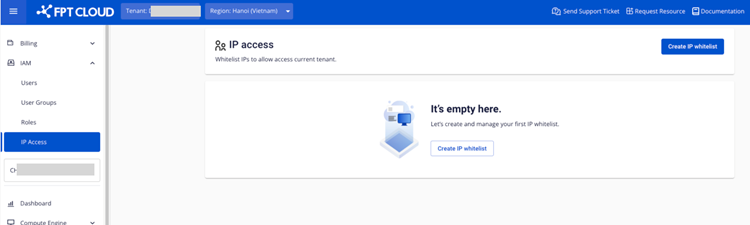
Step 1 : In the IAM selection menu, select the IP access. Here you can manage the list of accessed users.
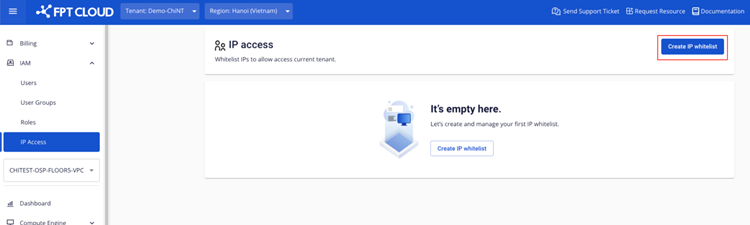
 Step 2 : Select Create.
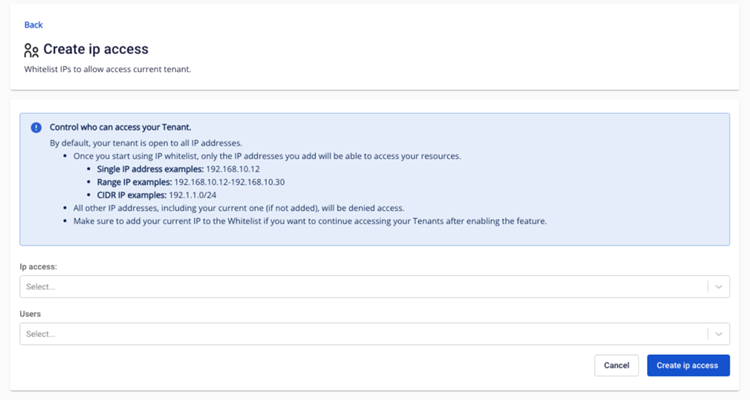
 Step 3 : At the IP access creation page, you enter information about the IP access address and user list. Please read the instructions carefully before installation. Then click “Create ip access"
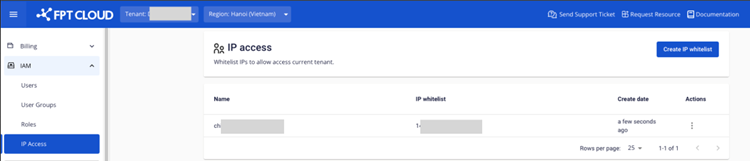
 After successful initialization, the record will appear in the list screen