Edit User Group
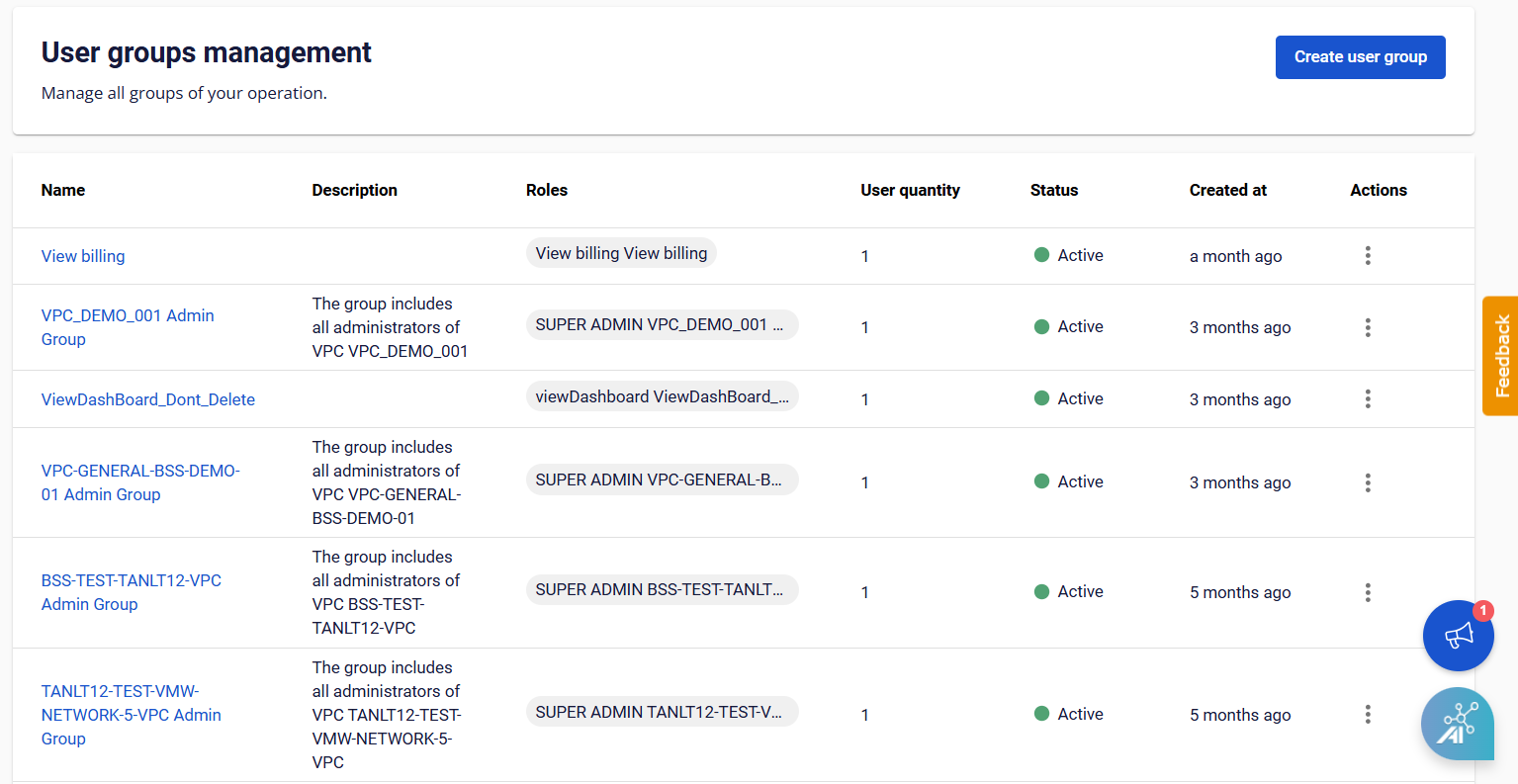
Step 1 : From the menu, select IAM > User Groups , and the system will display the User Groups Management page. Step 2 : Select Action at the end of the User Group you want to update from the list. Choose the information you want to edit.
- Manage user
- Manage role
- Edit information