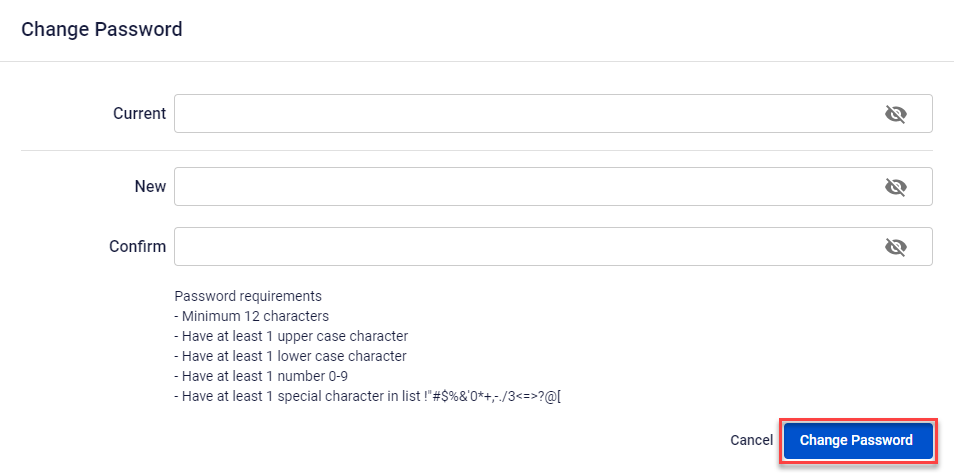
Change Password
After IAM User successfully registers and logs in to FPT Portal or after a period of use, the User should change the password to ensure the security of the account.
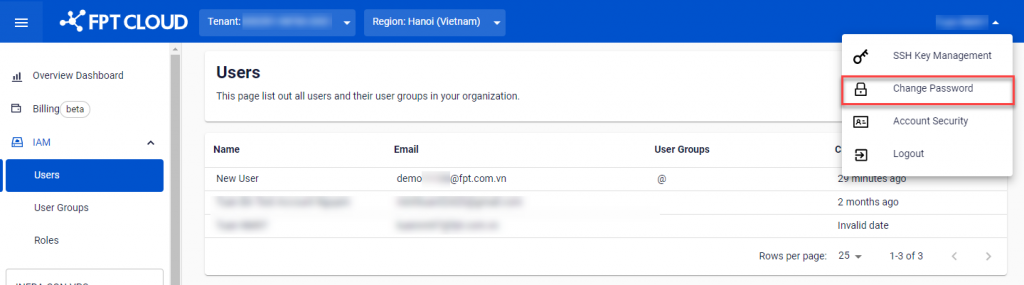
Step 1 : Click the area where the account name is displayed in the upper right corner of FPT Portal > Select Change Password.
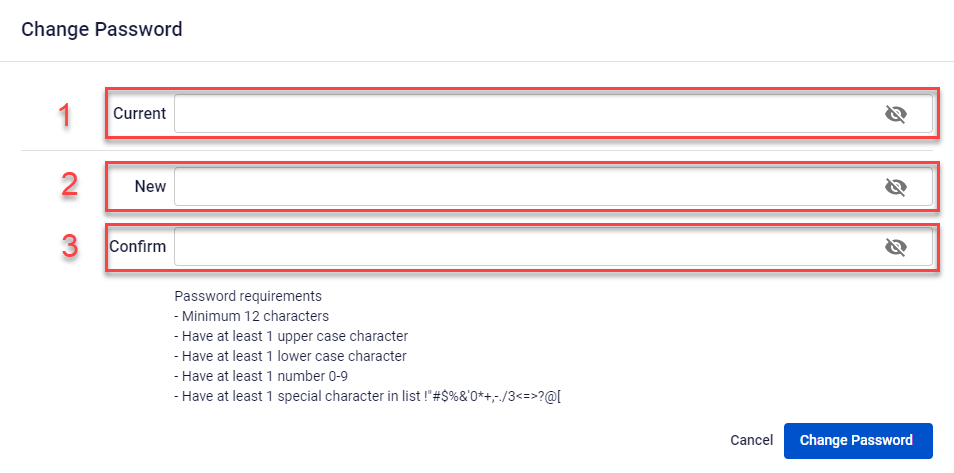
 Step 2 : On the interface of the Change Password , enter the required information:
- Current : Enter your current password.
- New : Enter your new password.
- Confirm : Confirm that the password is now new.
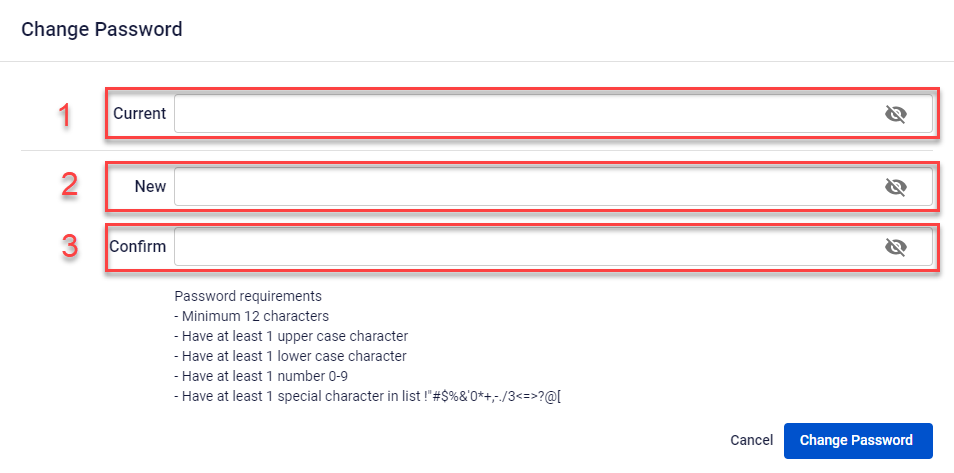
Step 3: SelectChange Password , the system will check and process and notify the results.