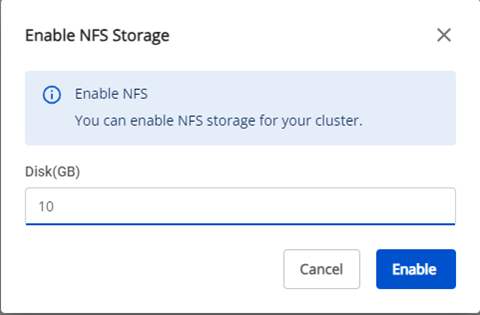
Add Nfs Storage
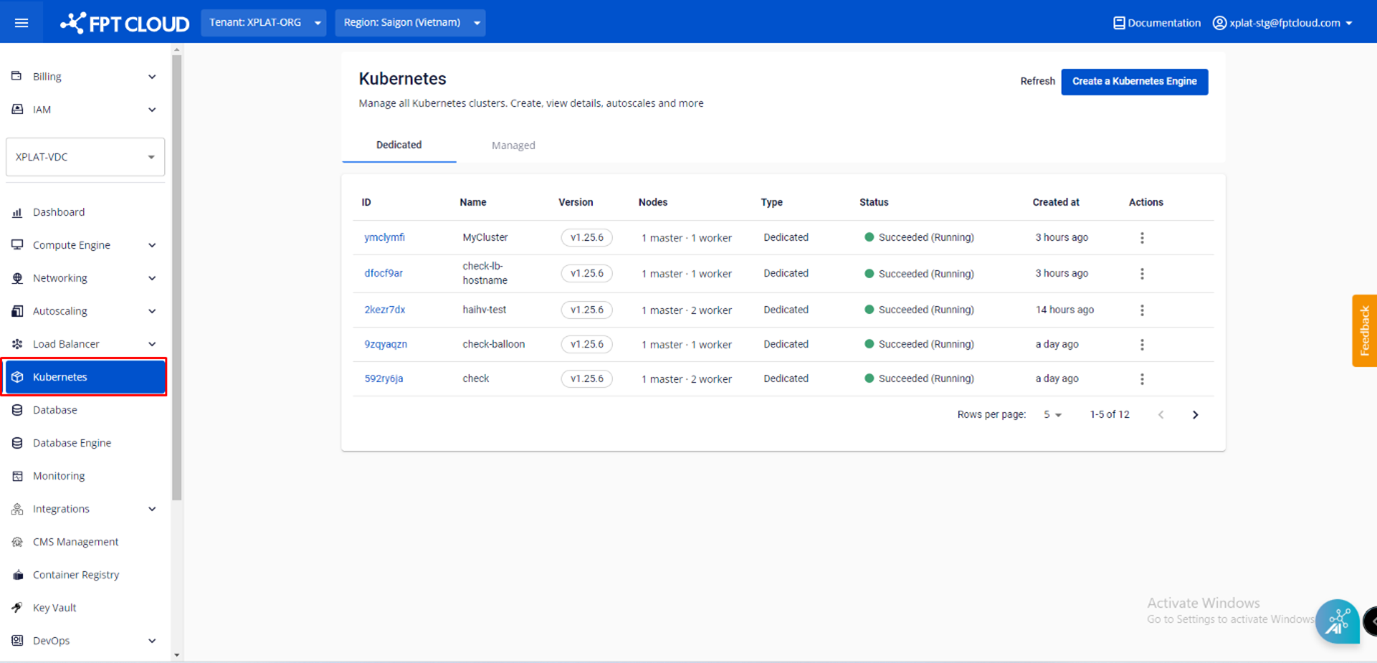
Step 1 : In the FPT Cloud Portal menu, select Kubernetes , and the system will display the Kubernetes Management page.
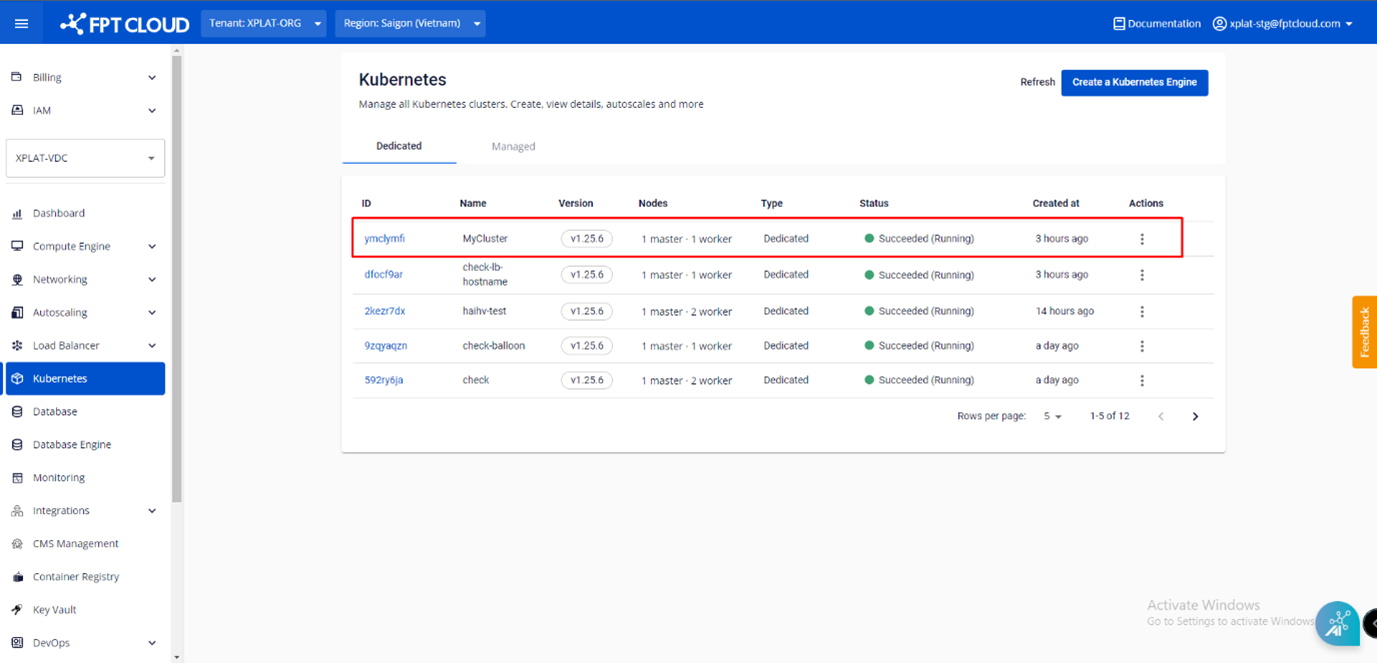
 Step 2 : Choose a Cluster that you want to add NFS Storage from the list.
 Step 3 : In the Advanced tab > NFS Storage > Status , click the Setting icon
 Step 4 : Enter the desired NFS Storage capacity (GB) and click Enable to add NFS storage.