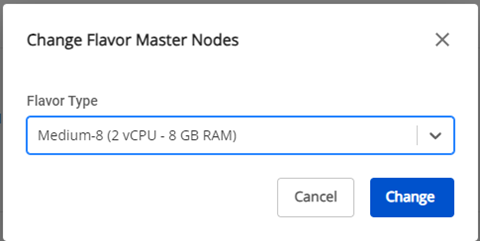
Change Nodes Configuration
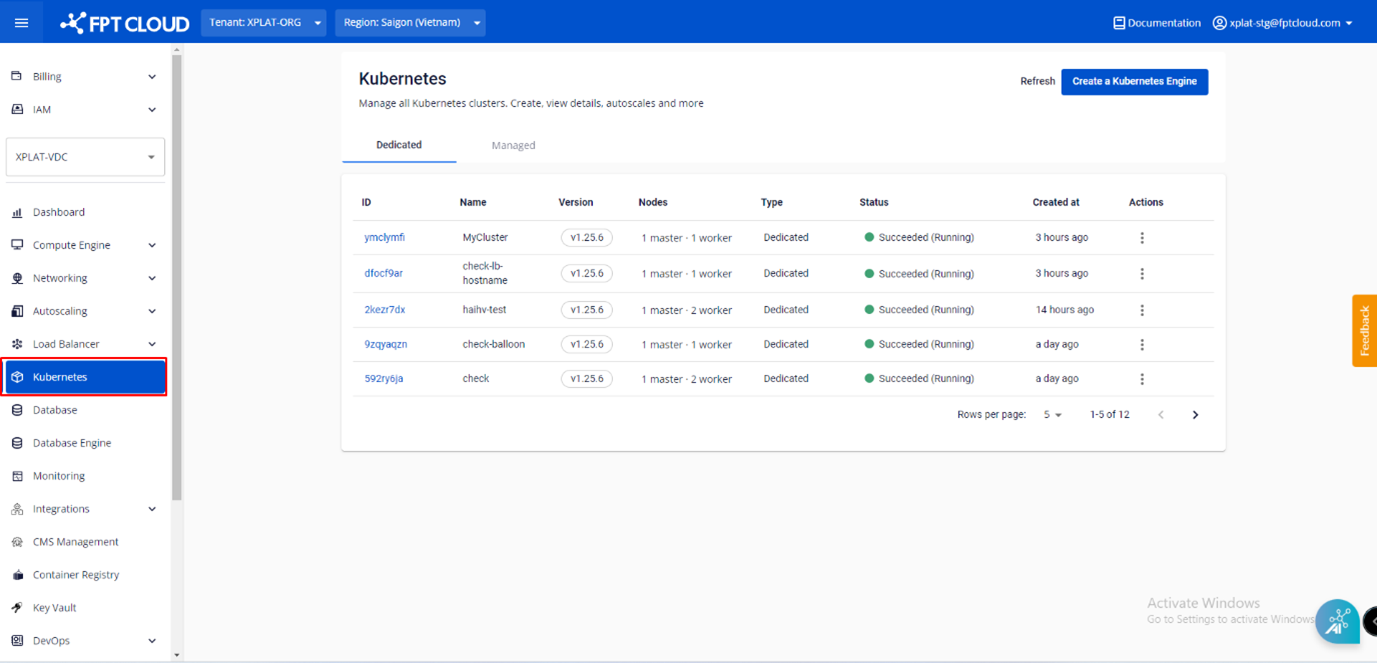
Step 1 : In the FPT Cloud Portal menu, select Kubernetes , and the system will display the Kubernetes Management page.
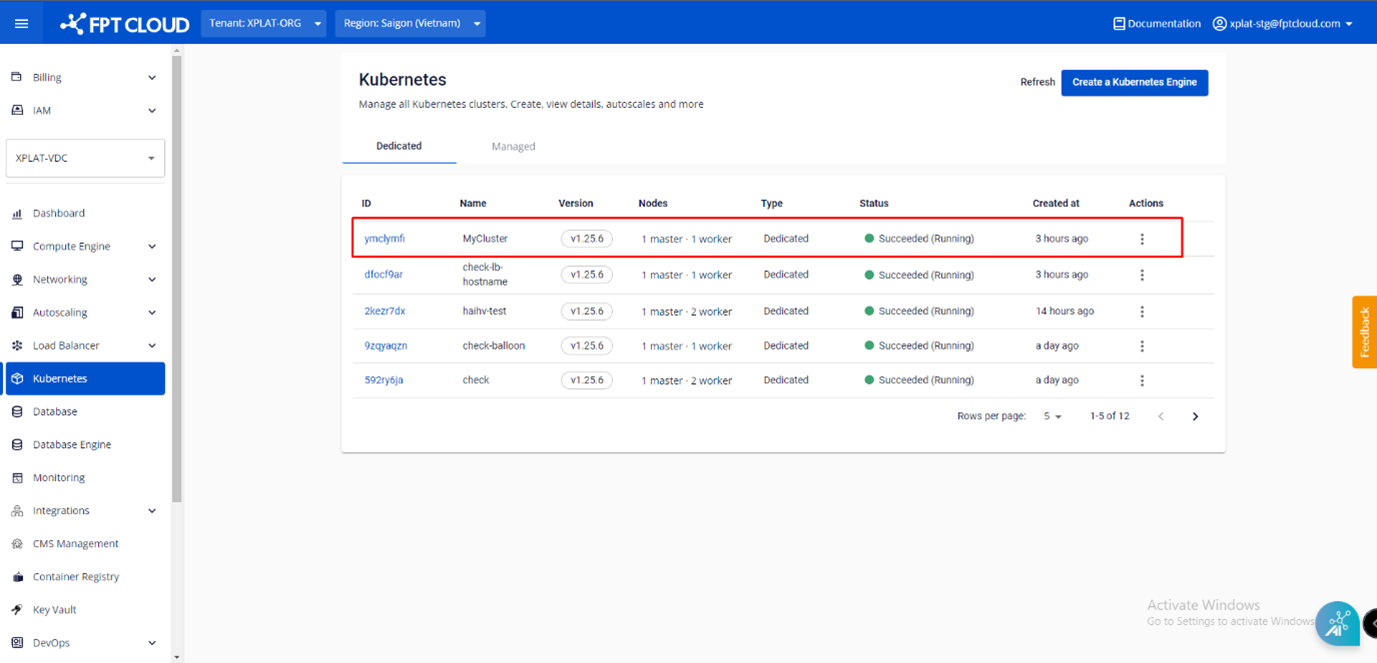
 Step 2 : Choose a Cluster that you want to adjust nodes' configuration from the list.
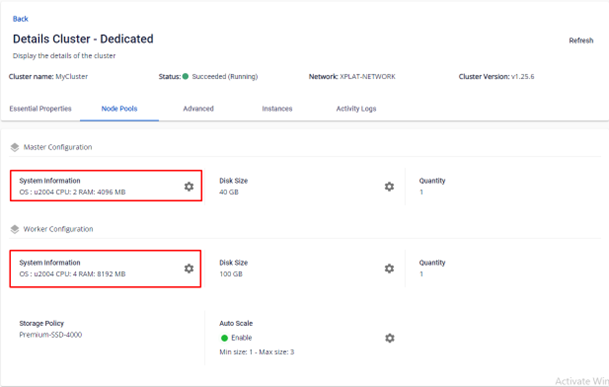
 Step 3 : In the Node Pools tab, you can change the Flavor (CPU, RAM) of Master Nodes and Worker Nodes by clicking the Setting icon in the corresponding node type
 Step 4 : Choose the desired configuration > Click Change to make changes