Backup Restore Cluster
To backup the Kubernetes cluster, perform a backup of master nodes using the Backup & Recovery service.
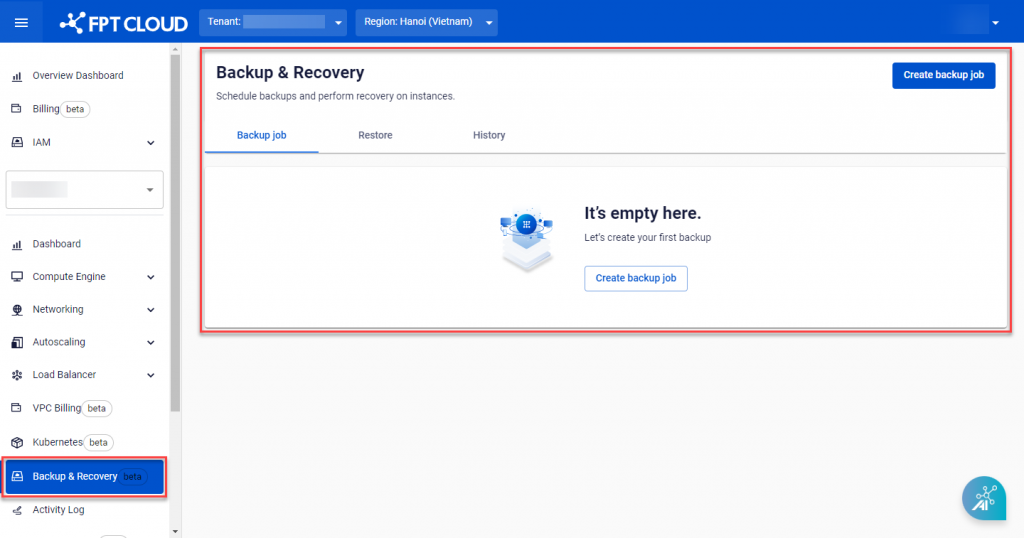
Step 1 : In the FPT Cloud Portal menu, select Backup & Recoveryand the system will display the Backup & Recovery page.
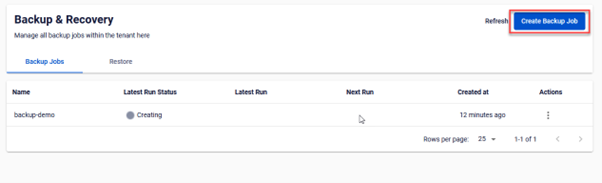
 Step 2 : Click Create Backup Job
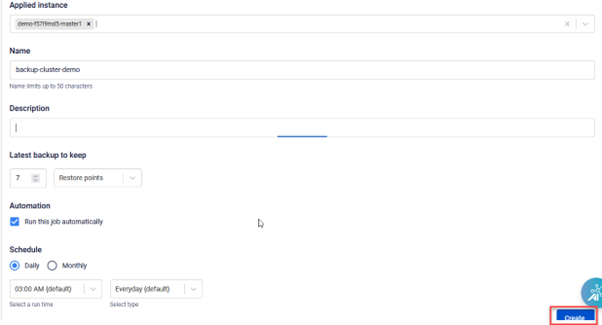
 Step 3 : The Backup Job screen appears. Select all Master Nodes VMs corresponding to the cluster to be backed up. Configure Retention and Schedule to suit your needs and click Create.