Upgrading K8S Version
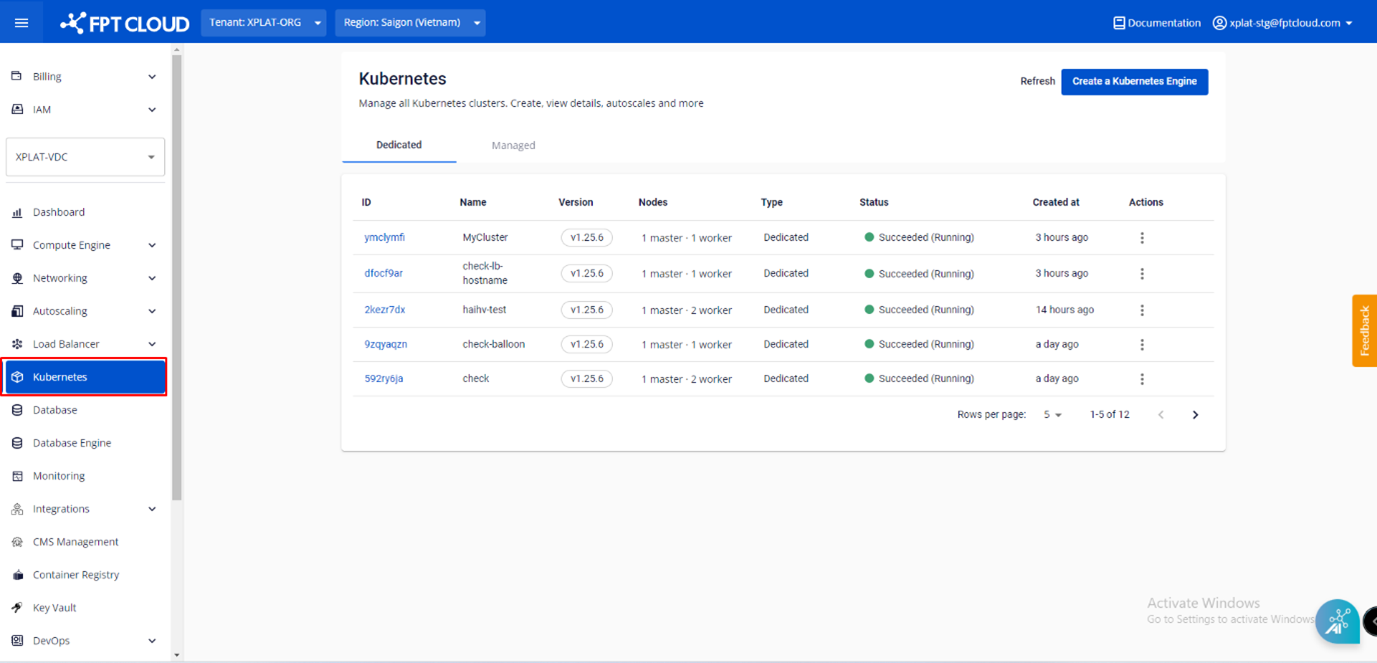
Step 1 : In the FPT Cloud Portal menu, select Kubernetes , and the system will display the Kubernetes Management page.
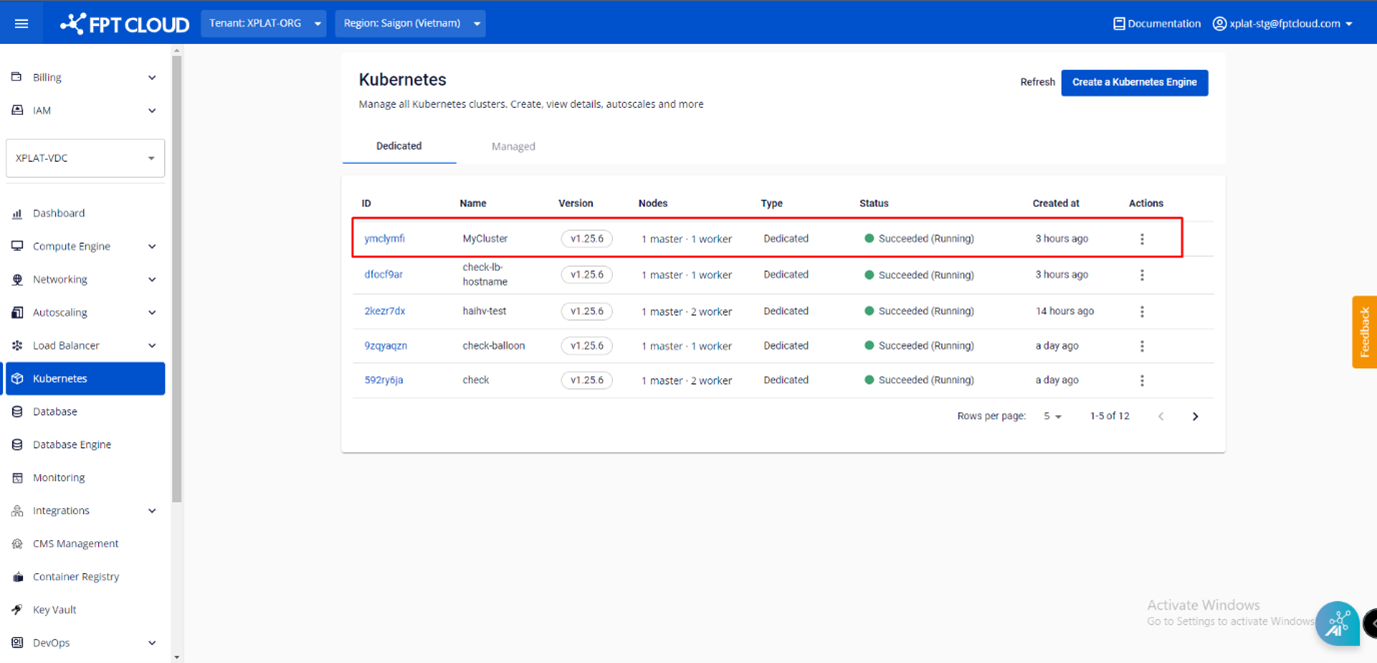
 Step 2 : Choose a Cluster that you want to upgrade the K8s version from the list.
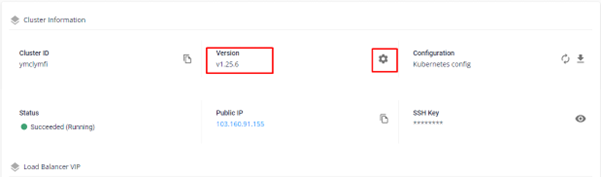
 Step 3 : In the Essential Properties tab > Cluster Information > Version , click the Setting icon.
 Step 4 : Choose the Version that you want to upgrade to and click Upgrade.
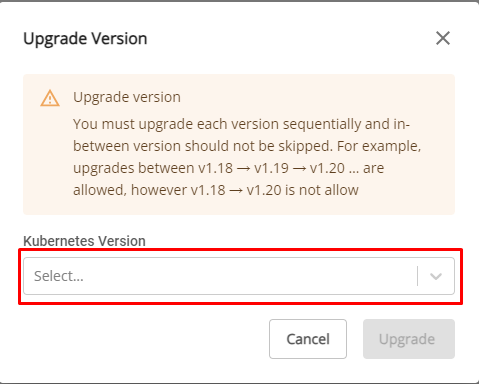 Note : You can only upgrade but not downgrade versions.