Configure Rbac Policy
ArgoCD supports user authorization using RBAC (role-based access control) policy config. By default, newly created users will only have read-only rights when logging into the system. FPT Cloud supports user-configurable RBAC policy through the user interface:
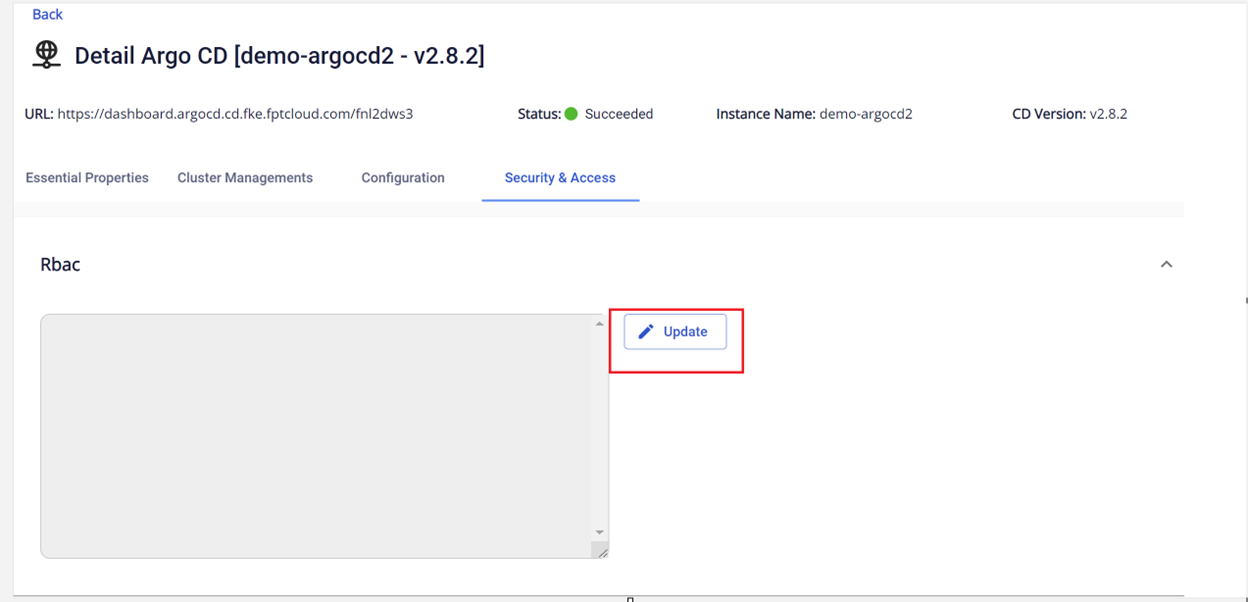
Step 1 : From the Security & Access tab > RBAC > Update
 Step 2 : Enter RBAC configuration:
For example:
Step 2 : Enter RBAC configuration:
For example:
Copyp, role:staging-db-admins, clusters, create, staging-db-admins/, allow
p, role:staging-db-admins, clusters, update, staging-db-admins/, allow
p, role:staging-db-admins, clusters, delete, staging-db-admins/, allow
p, role:staging-db-admins, clusters, get, *, allow
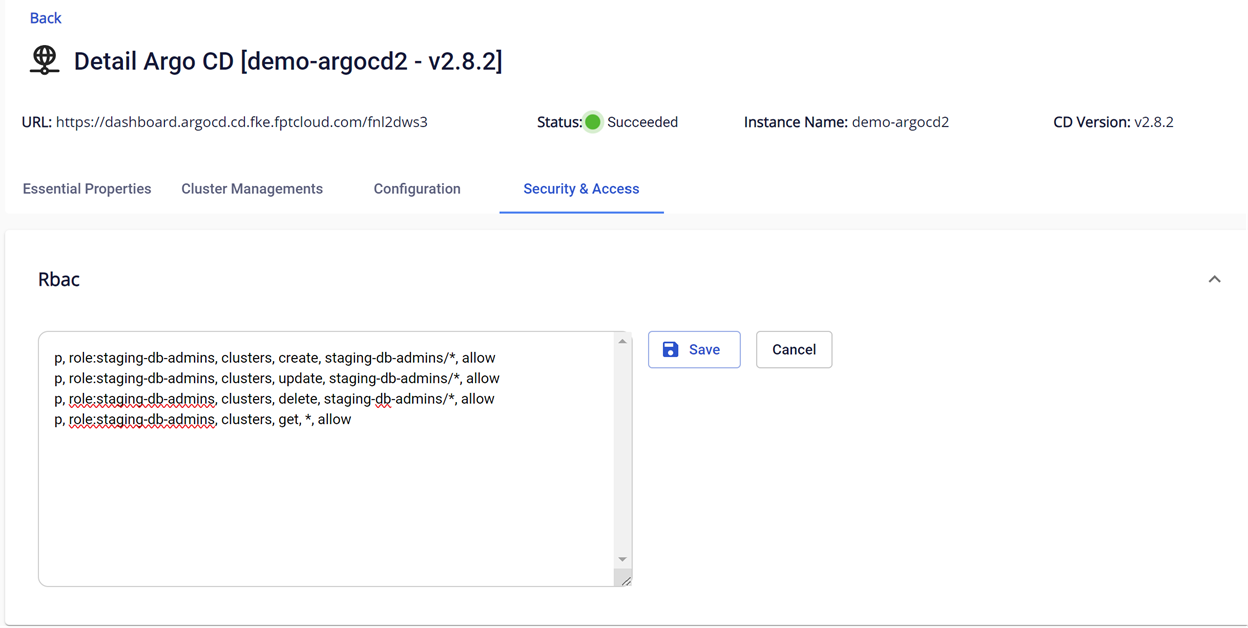 Step 3 : Click Save to apply the configuration
Result after saving:
Step 3 : Click Save to apply the configuration
Result after saving:
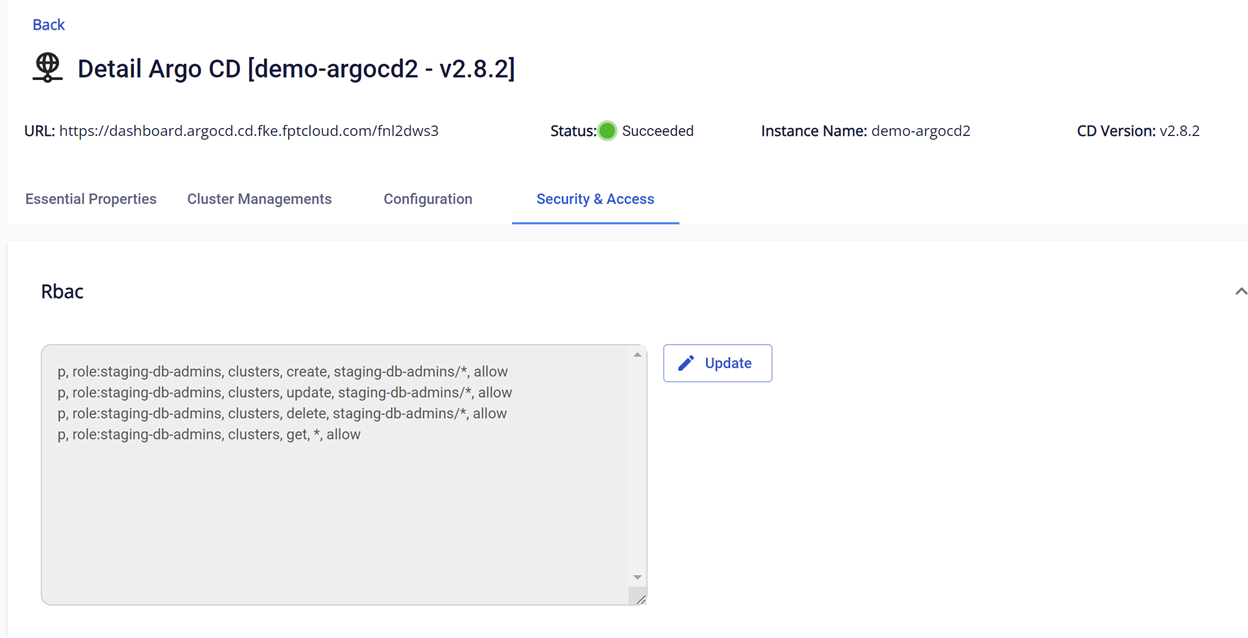 To delete configured policies, update and delete the policy line you would like to remove. Steps are identical to Updating.