Getting Started
To create a new ArgoCD instance, you can do the following steps:
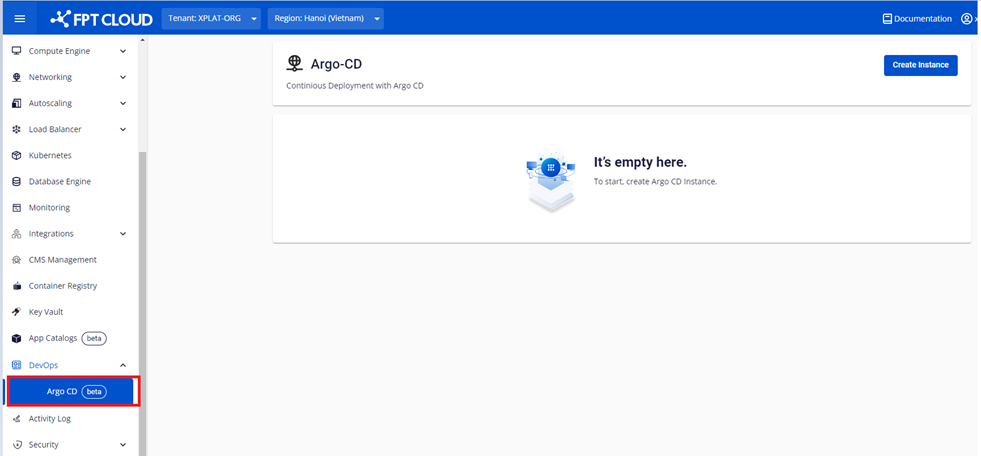
Step 1: Select ArgoCD on FPT Cloud Portal menu
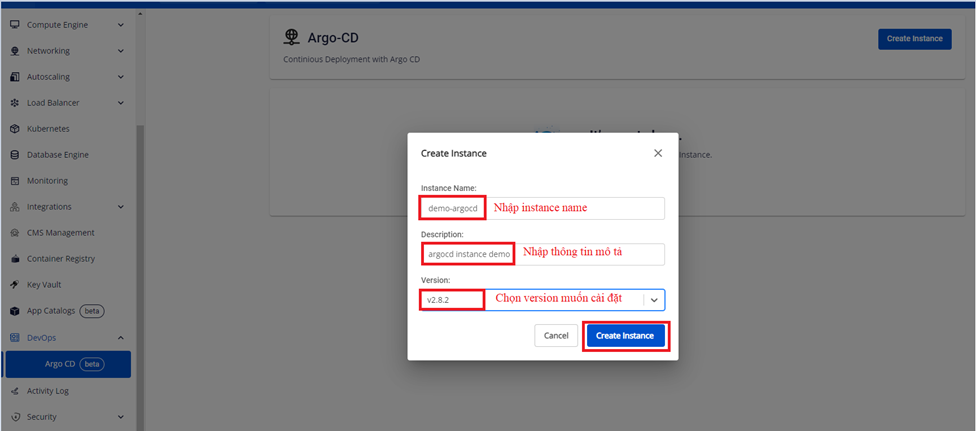
 Step 2: Select Create Instance > Fill out the information to create a ArgoCD instance.
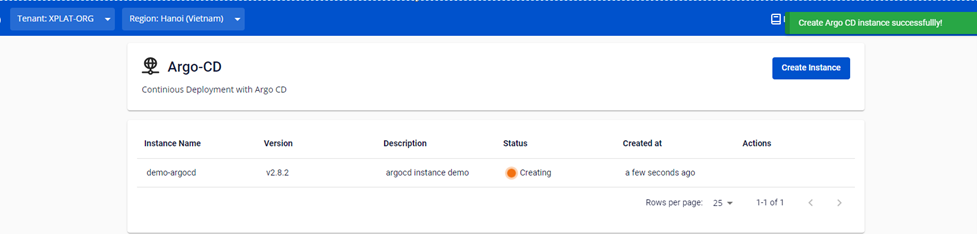
 Step 3: Select Create Instance and the system will initialize an ArgoCD Instance. It will notify you about the processing status
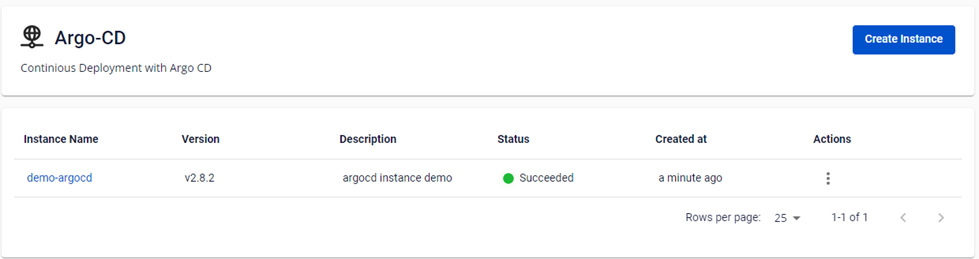
 After successfully creating an ArgoCD instance , the cluster status will change to Succeed , then users can access the ArgoCD instance via the URL and account/password in details views of the instance.