Create Secret In Secret Engine
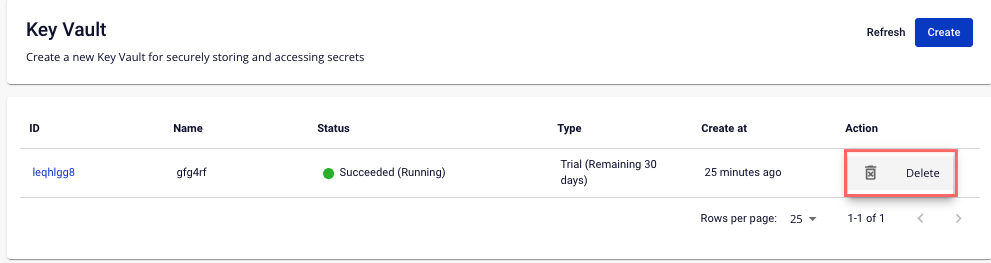
Step 1 : Select the Secret Engine to create Secrets on the Secret Engine Management screen:
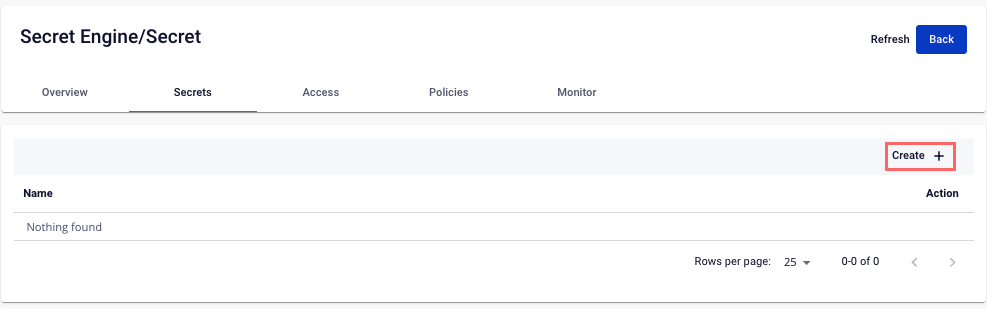
 Step 2 : Click Create
 Step 3 : In the Create New Version popup, enter the necessary information:
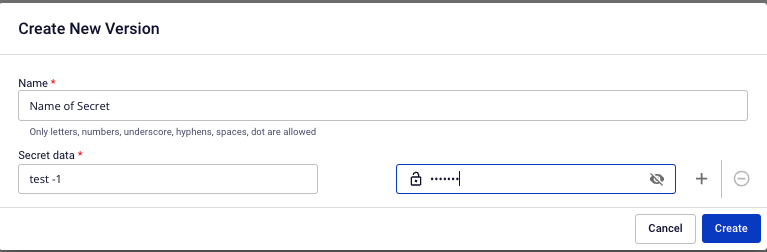
- Name : The name of the Secret
- Secret Data : Data according to the Key/Value structure. You can add multiple field of data.
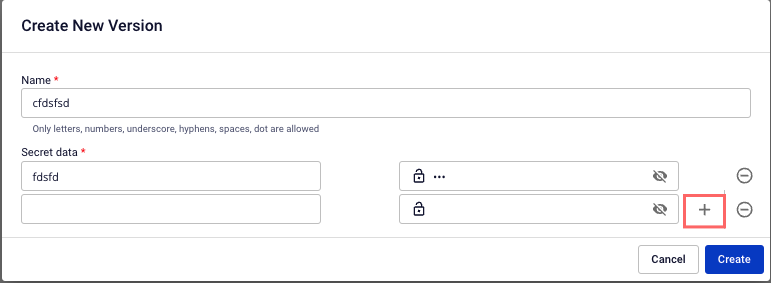 Step 4 : Click Create to Proceed. The system will notify you to confirm and proceed with the process of creating new Secrets based on the information entered.