Deleting An Image Or Artifact In A Repository
If you want to delete an Image or Artifact that you pushed before to free up spaces or clean up unused projects, follow these steps:
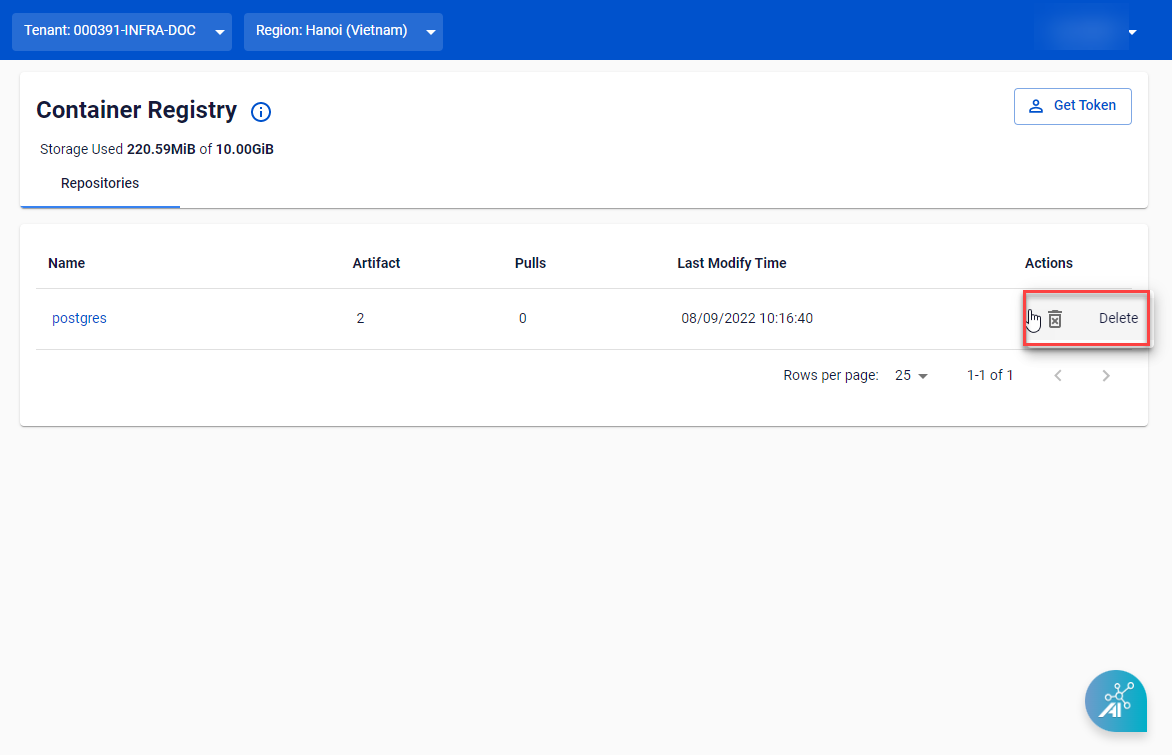
Step 1 : Navigate to the Container Registry page > from the drop-down menu in Actions > click Delete.
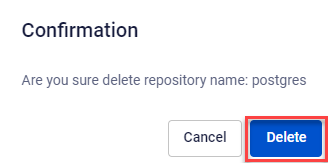
 Step 2 : Click Delete in the confirmation popup to confirm deletion.