Registering On Fpt Portal
User Type: API Provider.
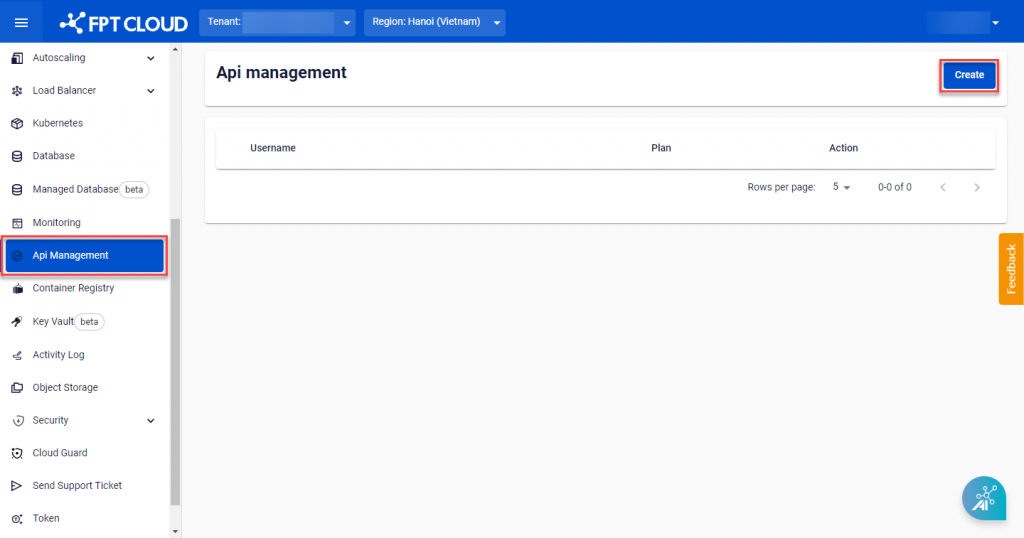
Step 1 : To register a new API Provider account, from the FPT Cloud Portal menu, select API Management > Create.
 Step 2 : Enter an Username and select a Plan.
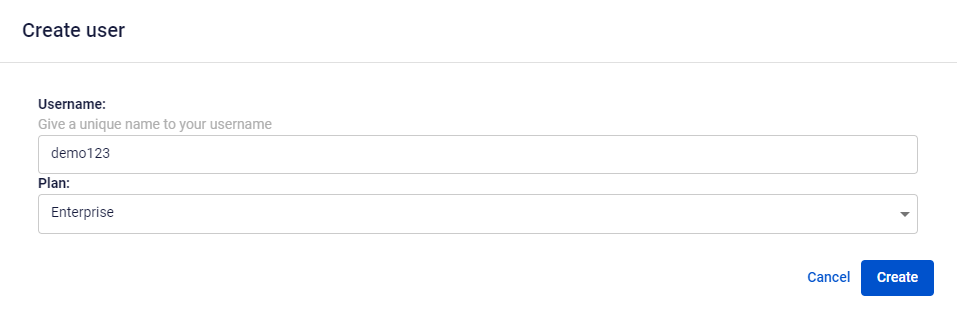 Step 3 : Click Create. The system will initialize the service and provide processing status notifications.
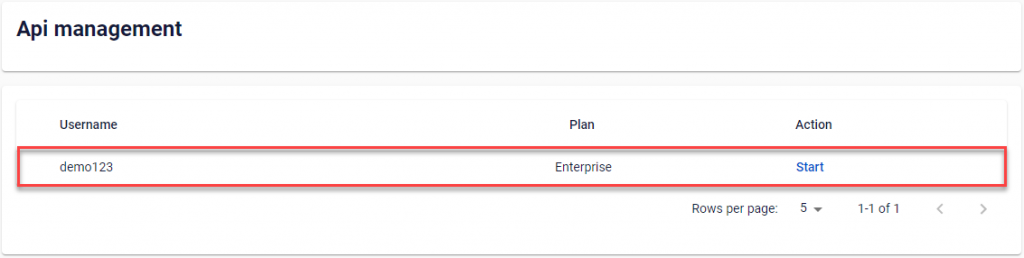 After a successful initialization of the account, users will be automatically redirected to the ApiManager Application administration page:
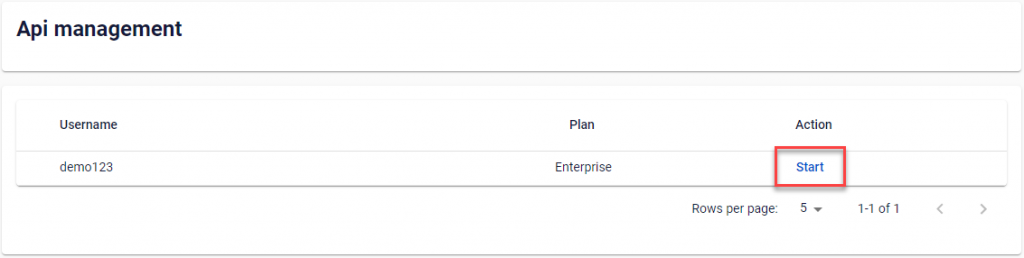
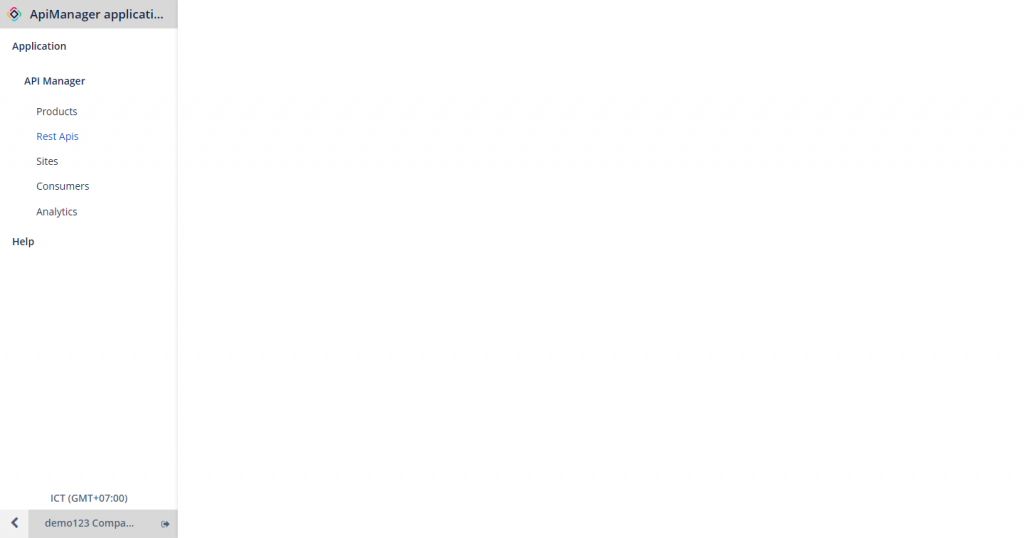 Alternatively, to access the ApiManager Application administration page, you can navigate to the API Management page and click Start on the instance you would like to access.