Delete Budget Alert
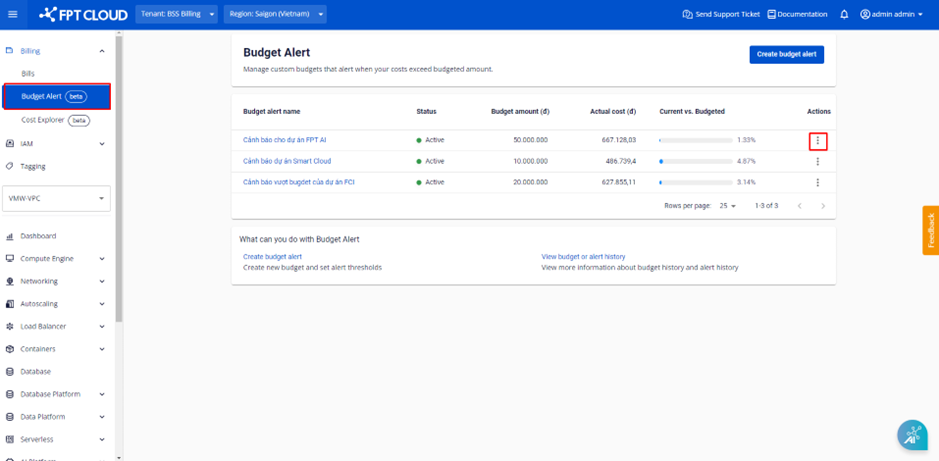
Step 1 : In the menu, select Billing > Select Budget Alert. The system displays the Budget Alert list that has been created > Select Actions at Budget Alert to stop the alert.
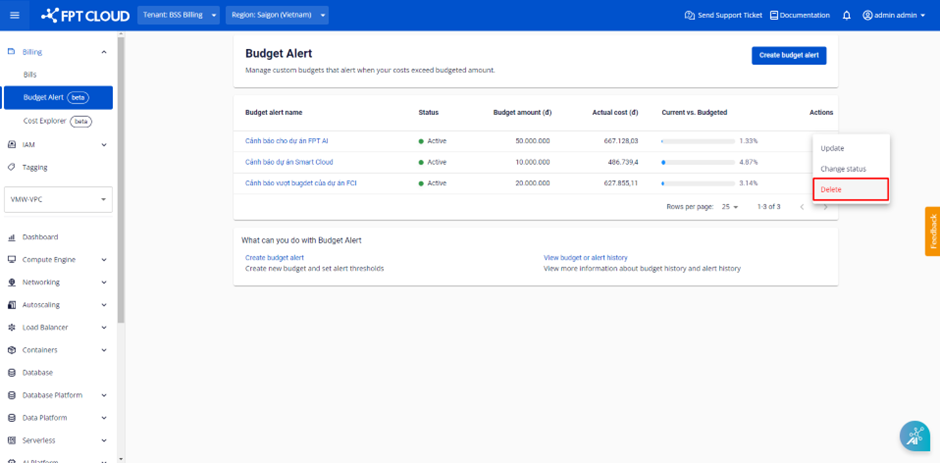
 Step 2 : Select the Delete button.
 Step 3 : The system displays a dialog box confirming the deletion of the Budget Alert -> Select the Delete button.
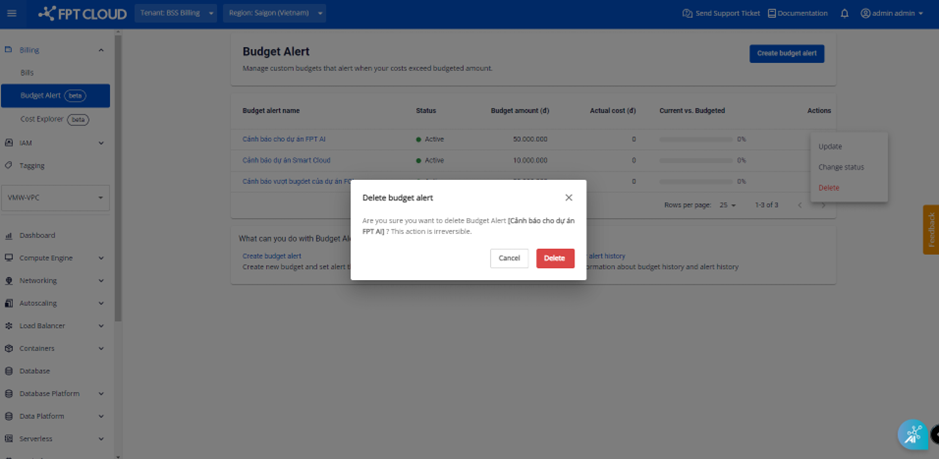 Once the action is taken, the Budget Alert is removed from the list and no longer charged for alerting the Budget Alert.