Viewing Logs
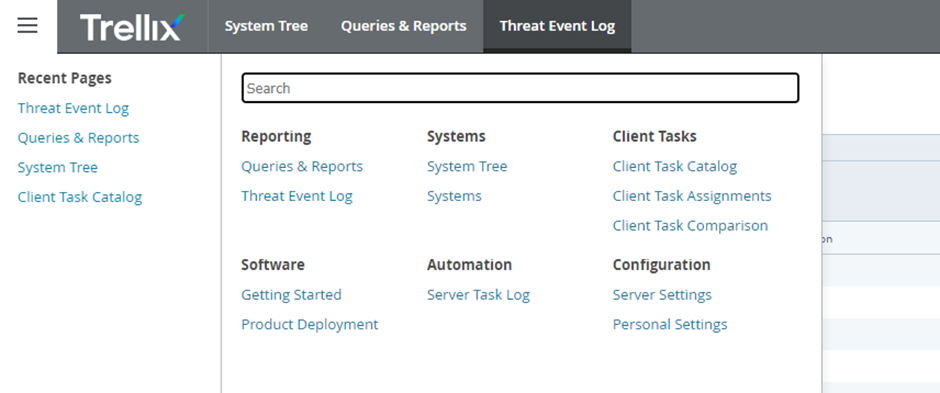
From the menu, select Threat Event Log.
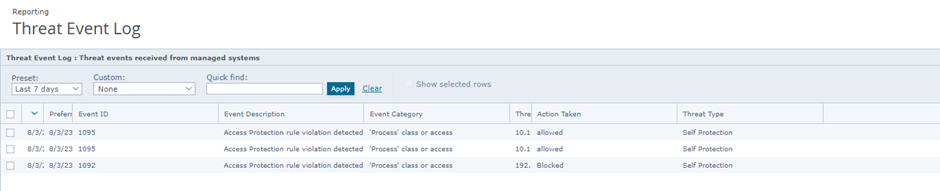
 This section displays security events for all servers with installed agents, including malware infections, exploits, etc.
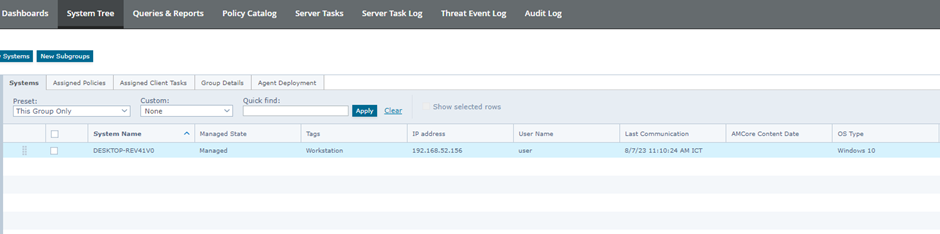
 Alternatively, for a specific server: Go to System Tree > Group > System, then double-click the server.
 Select the Threat Events tab to view events for that server.
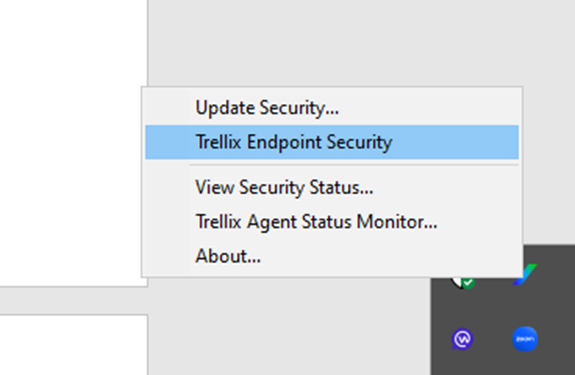
 On each server, users can also right-click the Trellix icon and select Trellix ENS.
 In the Event Log section, similar Threat Events will be displayed.
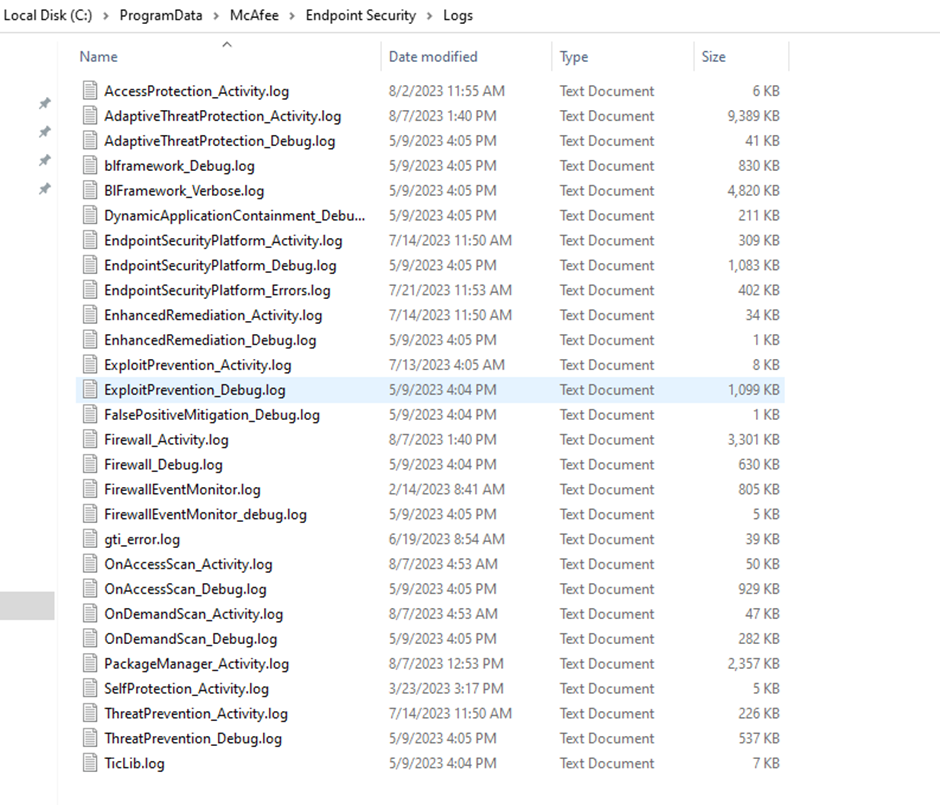
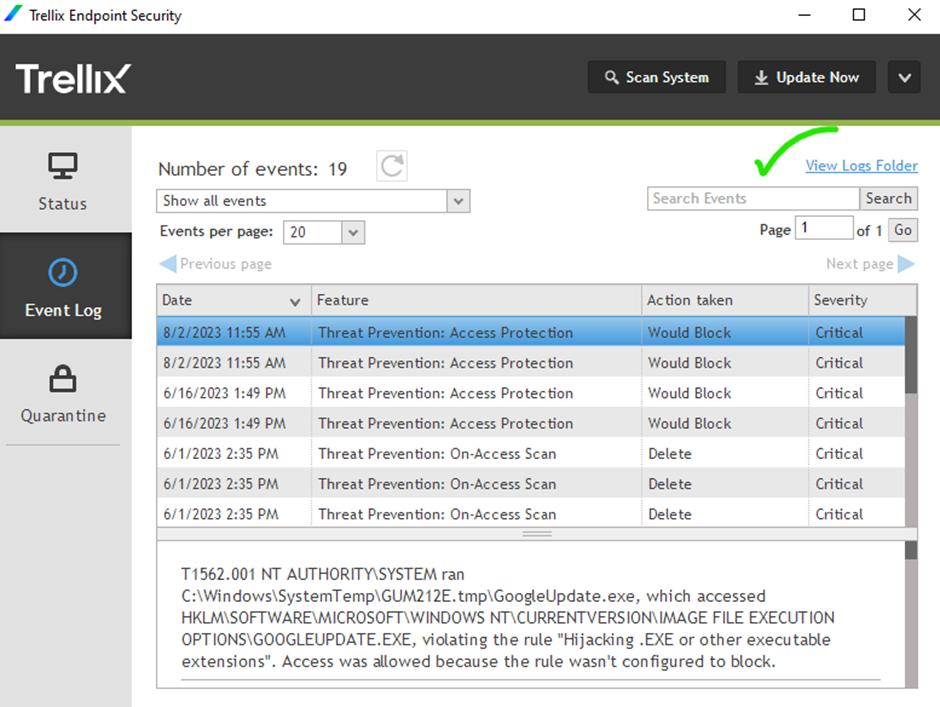 View Log Folder: The directory containing Endpoint Security log files, including scheduled scanning tasks and related activities.