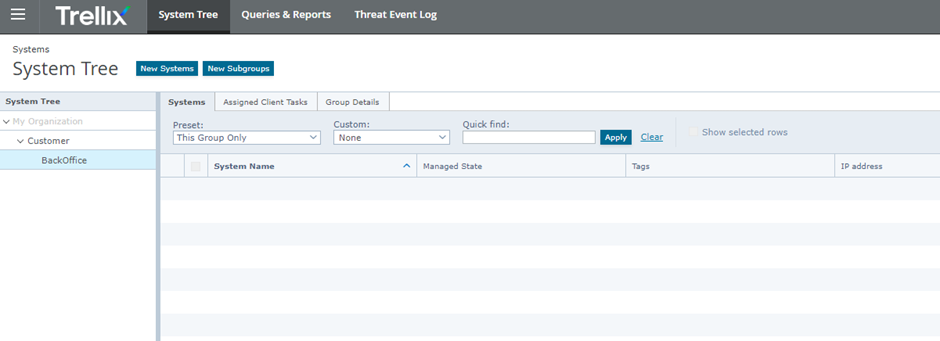
Access The Administration Interface
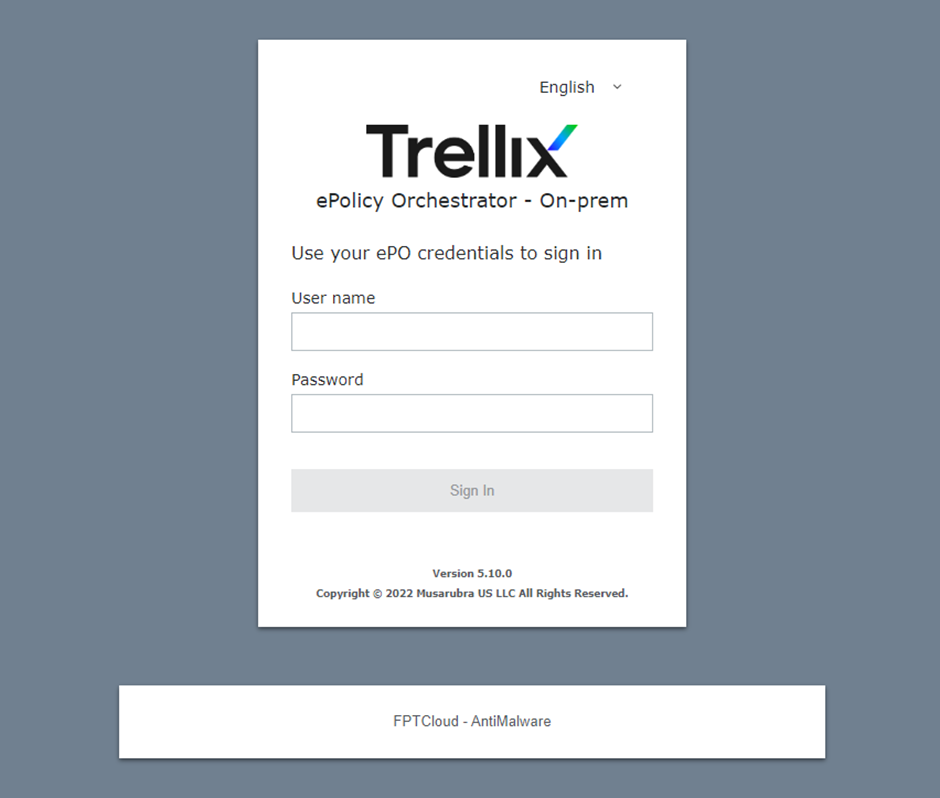
Step 1 : Log in to the Trellix management console via the domain: https://am.fptcloud.com:8443 using the username/password provided by FCI.
 Step 2 : After a successful login, the user will access the Trellix management interface.
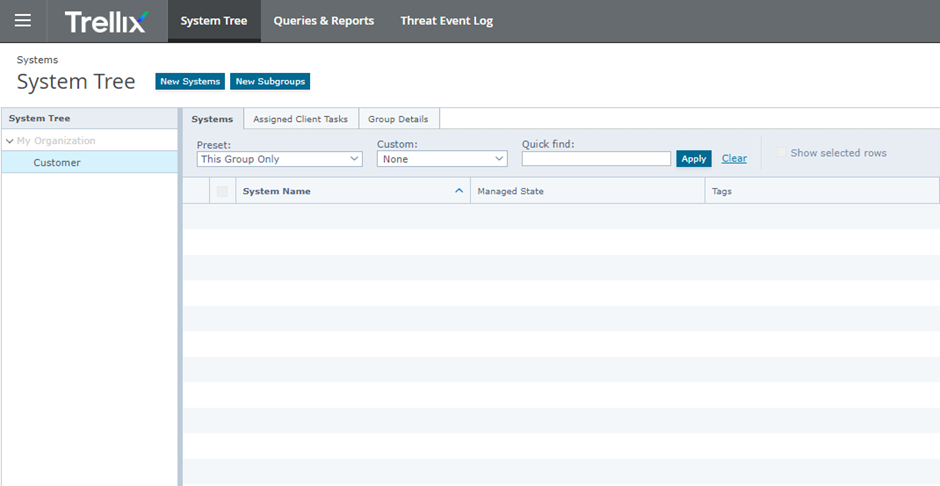
- System Tree: Displays information about servers where the agent has been installed.
- New Subgroups: Create sub-groups to manage different administration groups
(policies can be created/applied separately for each group/subgroup).