View Topics
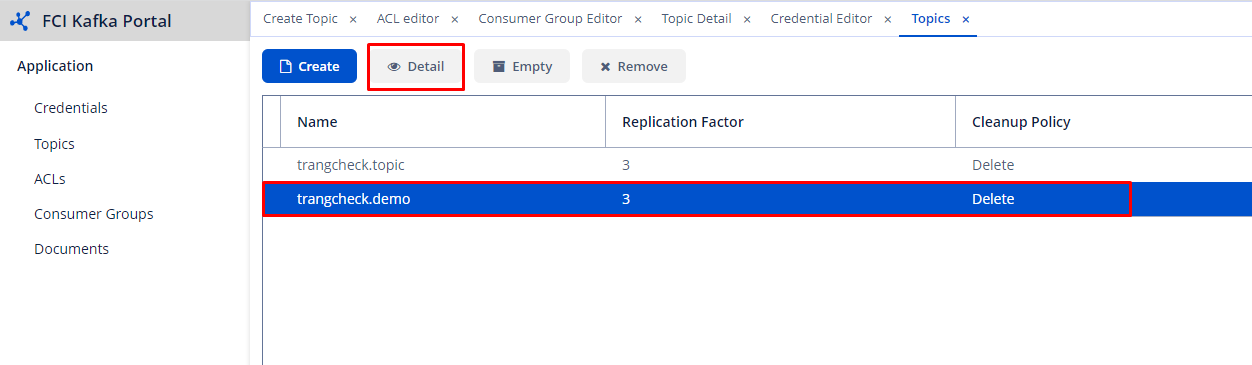
After successfully creating a topic, it will be displayed in the management list. To view the details of a topic, follow these steps:
Step 1 : Select the topic to view > Click Detail.
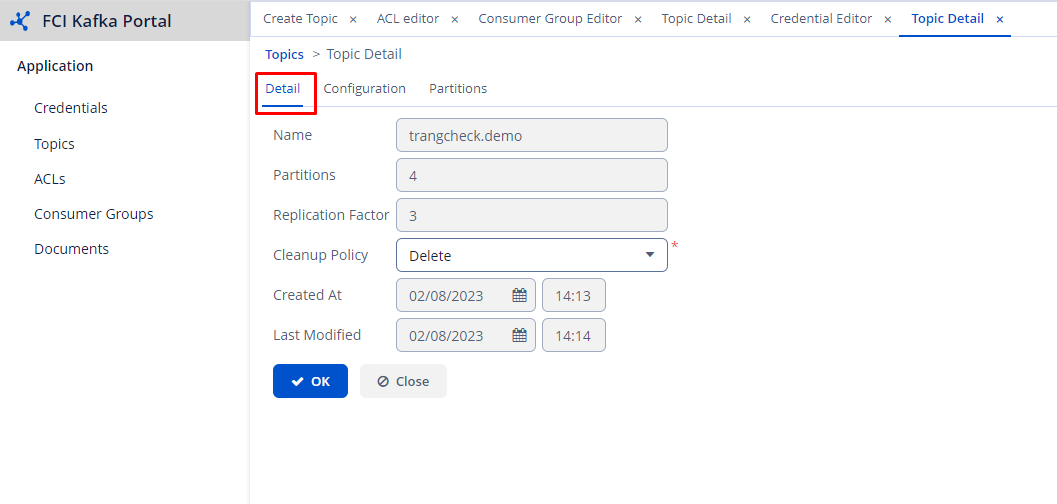
 Step 2 : The related information of the topic is displayed in 3 tabs:
- Detail tab: List the information of the topic that you have entered.
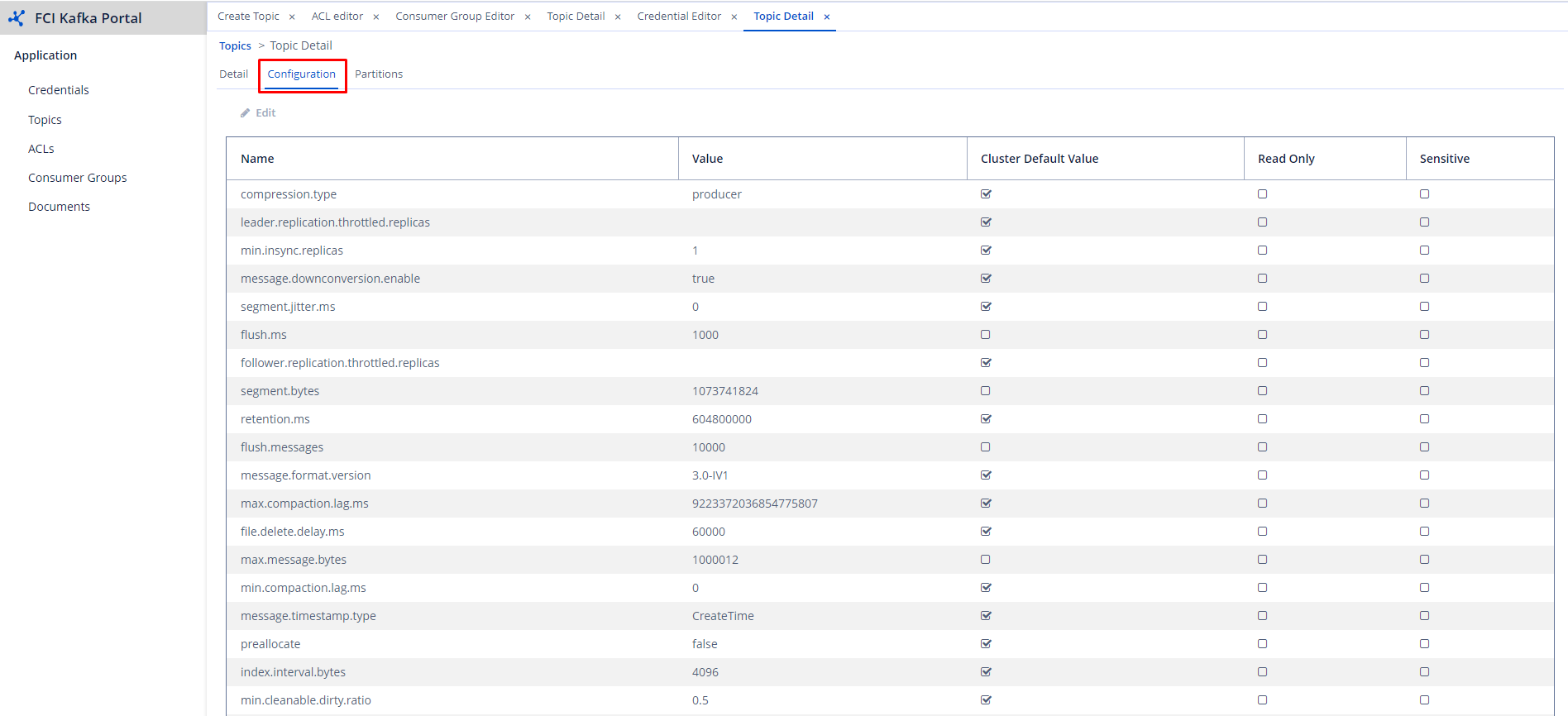
- Configuration tab: List the configuration information of the cluster.
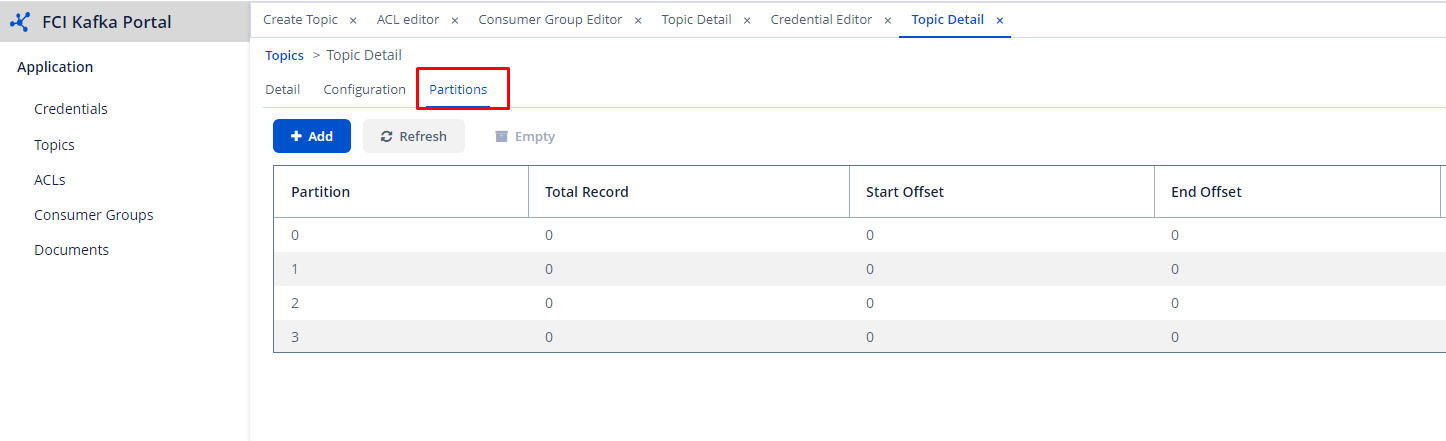
- Partition tab: List the information of the partitions in the topic, including the number of records in each partition, start offset, end offset, etc.