Network Interface
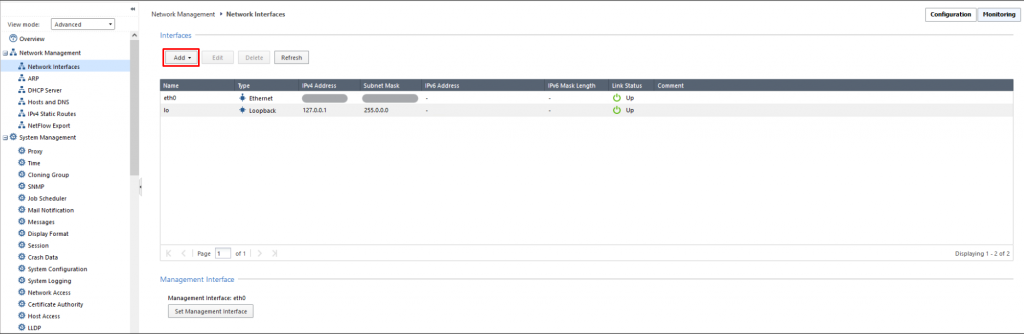
Bước 1: Trên menu Network Management > chọn Network Interfaces > chọn Add.
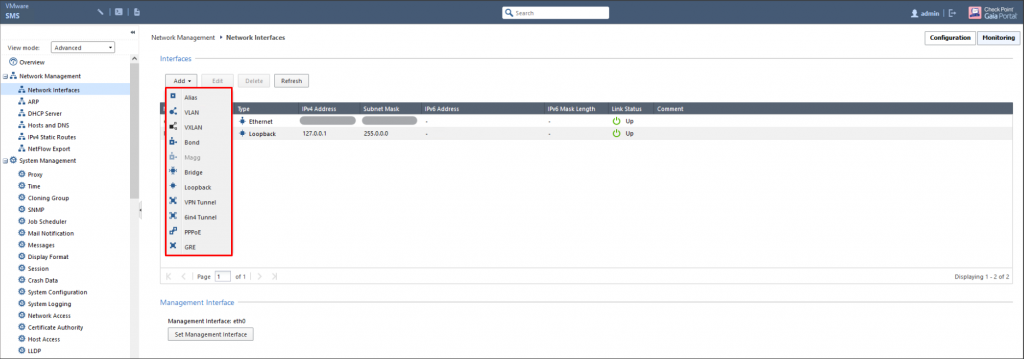
Bước 2: Chọn loại Interface cần tạo.
Bước 3: Cấu hình Interface theo thông tin quy hoạch
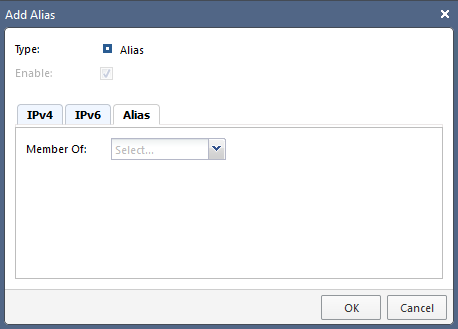
- Alias Interface:

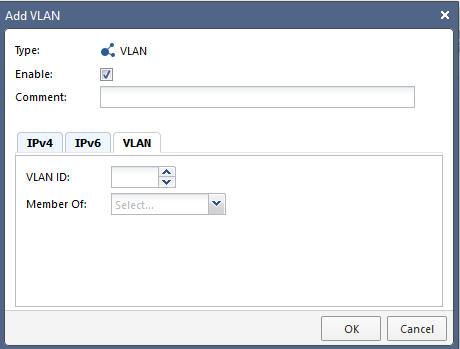
- VLAN Interface:

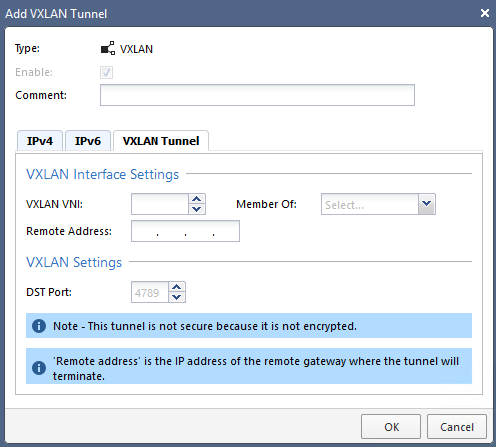
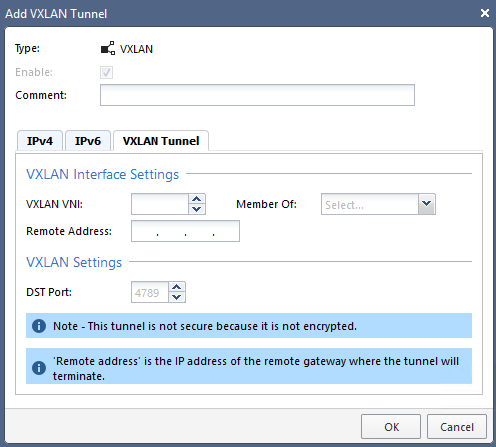
- VXLAN Interface:
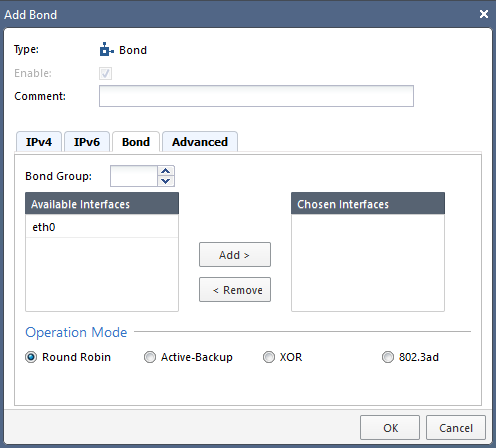
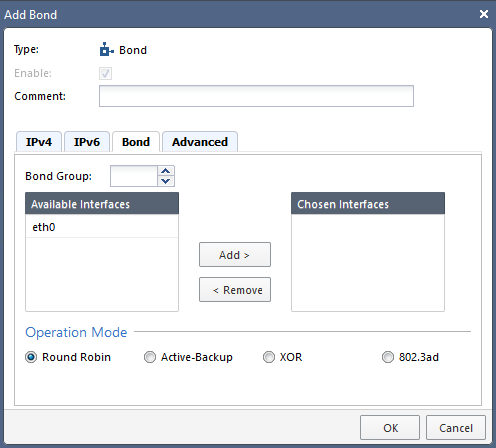
- Bond Interface:
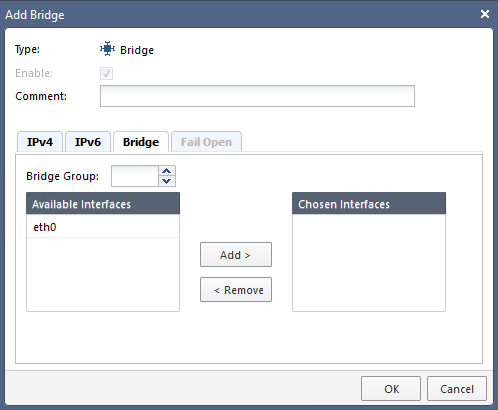
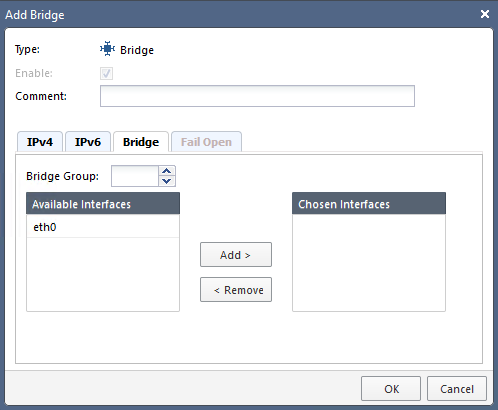
- Bridge Interface:
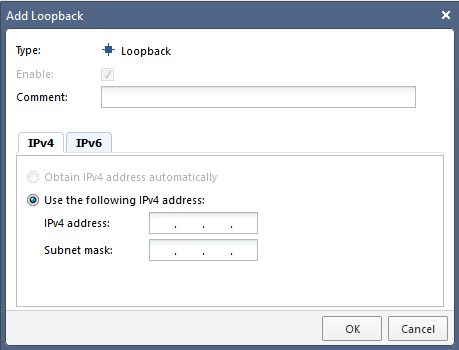
- Loopback Interface:

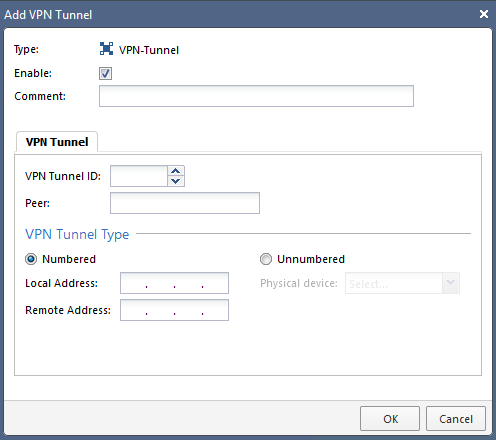
- VPN Tunnel Interface:

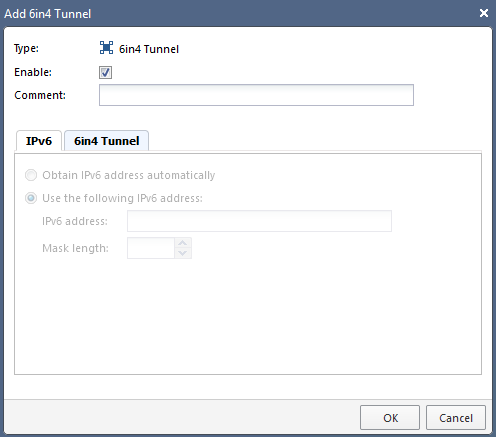
- 6in4 Interface:

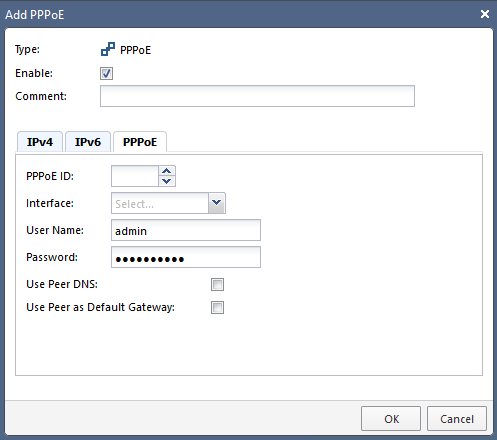
- PPPoE Interface:

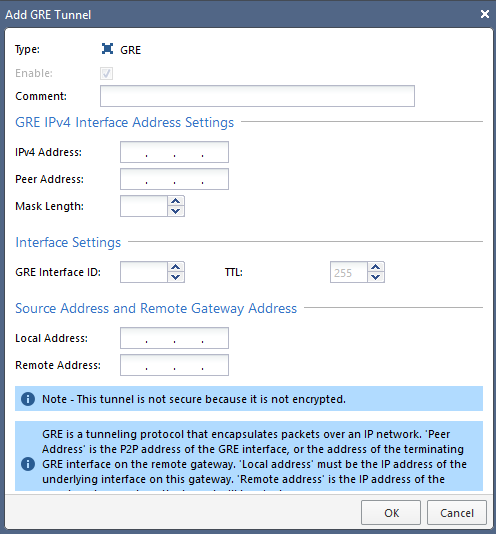
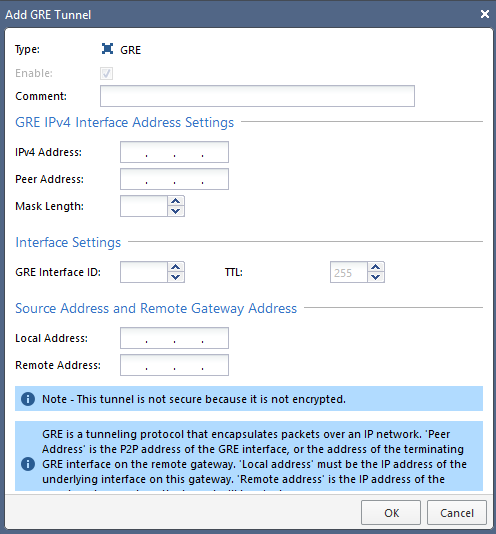
- GRE Interface:
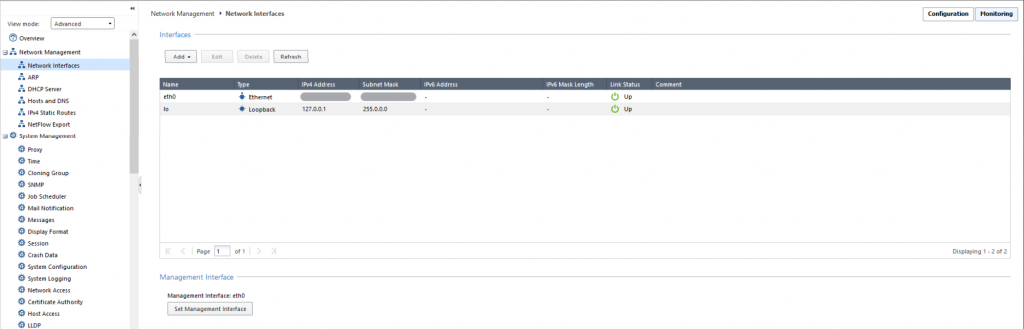
Bước 1: Trên menu Network Management > chọn Network Interfaces.
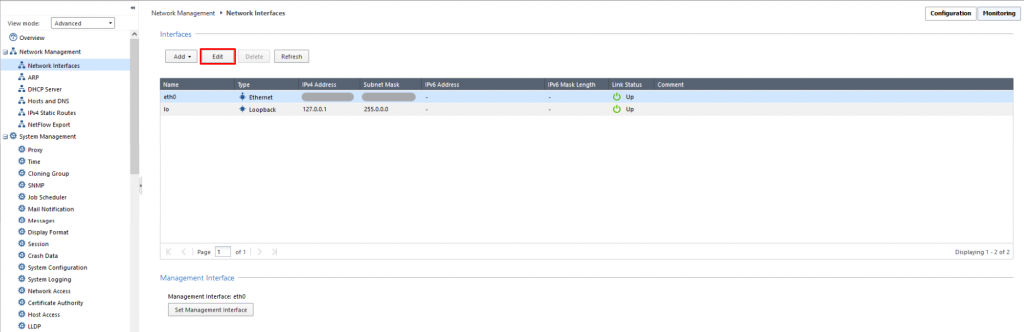
 Bước 2: Ở Interface muốn sửa > chọn Edit.
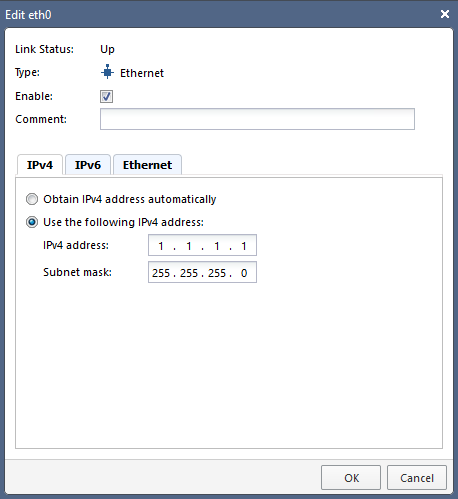
 Bước 3: Nhập các thông tin mới > chọn OK để lưu.
 Bước 1: Trên menu Network Management > chọn Network Interfaces.
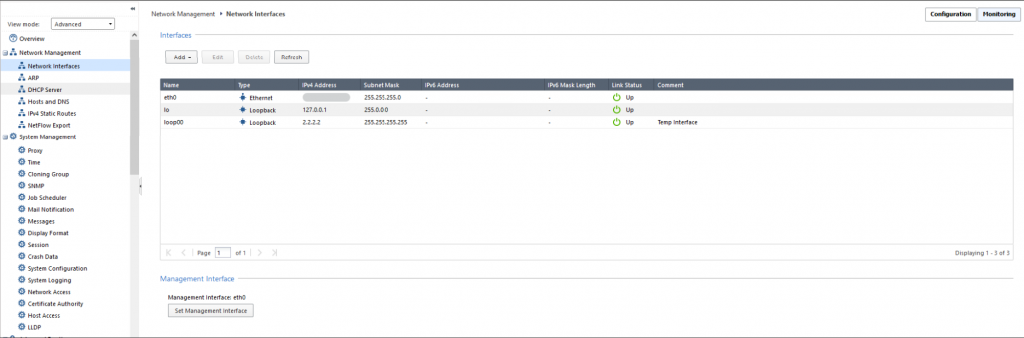
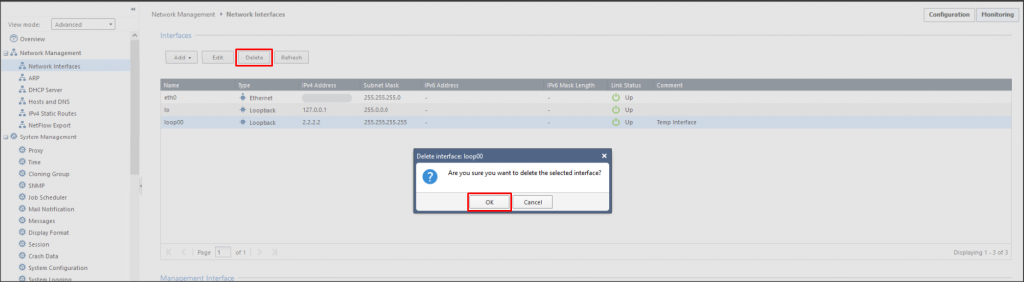
Bước 2: Ở Interface muốn xóa > chọn Delete > chọn OK để xác nhận xóa Interface.